 Skip to content
A useful GEPCO complaint online starts with the correct connection and the right problem category. A bill-reading query needs different evidence from a power interruption, and a missing bank payment may need attention from the payment service as well as GEPCO.
GEPCO's official bill page displays 118 for electricity complaints and 8118 for messages. For online options, check the PITC complaint portal and the company selection it currently offers. These contacts were checked against official published material; no live consumer complaint was submitted for this guide.

Choose the GEPCO complaint online category carefully
Describe the issue in one sentence before opening the form. For example, “the bill's current reading does not match my dated record,” “the payment receipt is not reflected,” or “power to the premises stopped at this time.” Then select the closest category available on the official service.
If the problem involves dangerous equipment, report it as a safety issue rather than hiding it in a general billing request. Keep away from exposed conductors and do not try to get a close photograph of an unsafe installation.
Avoid the wrong-reference problem
Check the connection number against the latest bill. GEPCO's bill page warns that some reference numbers have been revised. An old saved number may therefore need checking against the current printed record.
Keep the service address and meter details available so you can explain which premises is affected. If you manage several family or business bills, label each one in your own records. A complaint about the shop should not accidentally be attached to the house.
Our GEPCO bill-check guide is useful when you need a fresh copy before reporting an entry.
Send a small, relevant evidence pack
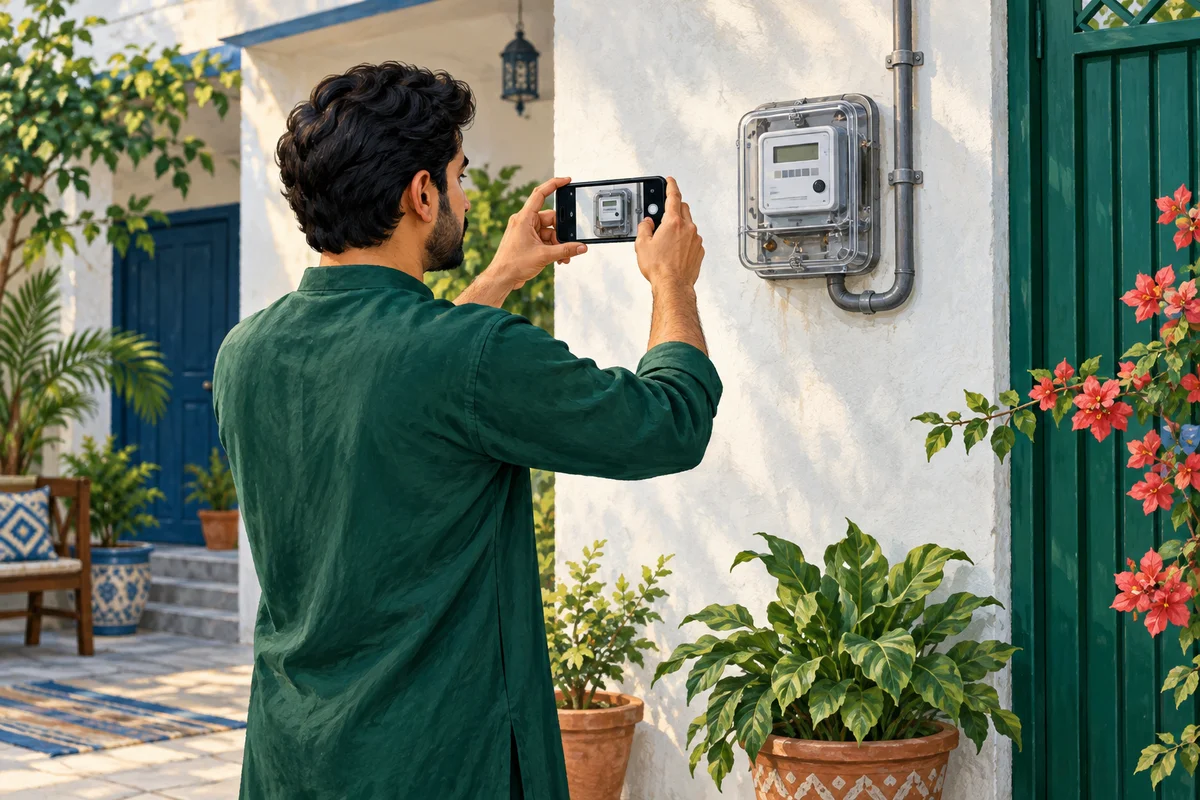
For a bill dispute, include the bill month and the disputed field. Add the previous bill or a dated meter photograph only when it helps explain that particular discrepancy.
For a payment dispute, identify the transaction, amount, date and intended bill. A balance screenshot without the transaction reference is often less useful than the actual receipt. Hide unrelated transactions before sending any document.
For a supply issue, note the start time, location and what you can safely observe. Do not state that a transformer has failed unless the company has confirmed that explanation. Describe symptoms rather than presenting your guess as a diagnosis.
Ask for the outcome, not just a status label
Keep the complaint acknowledgment. During follow-up, quote its number and ask what action was recorded. If the status says resolved, check whether the problem you reported has actually changed.
For billing, that may mean reviewing a revised bill or adjustment. For an outage, it may mean confirming supply restoration. For a payment, it means checking the matched transaction or corrected account entry. A closed ticket does not explain all these outcomes by itself.
Use the CCMS tracking guide to organize follow-up dates and responses. Avoid opening repeated copies of the same complaint unless the official service tells you to create a fresh case.
Frequently asked questions
Should I use a WhatsApp number found on a random page?
Verify it on an official company source first. This guide does not provide an unverified WhatsApp contact.
Does submitting the form postpone payment?
Do not assume it does. Ask GEPCO for the payment instructions that apply while your billing case is reviewed.
Can I complain for a relative?
Help with their permission and follow any authorization checks. Do not post their account or identity documents in public comments.
What if the online portal is not loading?
Use the company's published contact route or service office. Keep a note of the channel and date so your follow-up does not lose context.
Editorial Note and Background
Prepared 26 September 2026; publication copy reviewed 29 September 2026. Independent, AI-assisted guidance, not an official company service or a report of a personally completed application. Examples are illustrative. Confirm current account-specific instructions with the company using the contact details on your bill.
Public source domains consulted during preparation: ccms.pitc.com.pk, gepco.com.pk. Portal access limitations are identified in the article where relevant.
For background reading only: Pakistan's electricity sector on Wikipedia. Wikipedia is not the authority for your application, complaint, payment or current service instructions.
Contact BijliBills about a correction or read our editorial guidelines.