 Skip to content
FESCO Bill: Check Online, Download and Print Your Duplicate
Your FESCO Bill may arrive late, get misplaced, or be needed while you are away from home. You still need the correct amount and due date before paying. The quickest practical route is to open the FESCO checker, enter the identifier from your bill, and confirm that the result belongs to your connection. You can start with the FESCO option on BijliBills or use the official portal directly.
BijliBills is an independent website. It helps you reach and use electricity services; FESCO and PITC provide the billing record. BijliBills does not issue bills, collect electricity payments, or change customer records.
Check your FESCO Bill online in six steps
- Keep a recent bill, saved PDF, or authorized payment record beside you. Check that the electricity company is FESCO.
- Open the homepage checker and choose FESCO. Use the reference-number option shown in the popup.
- Enter the 14-digit reference number carefully, preserving any leading zero. A meter serial number is a different identifier.
- Open the result. If the popup cannot retrieve the bill, follow its official-portal option or visit the PITC FESCO bill portal.
- On the official portal, use Reference No for the 14-digit number. If you have the separate 10-digit Customer ID, select Customer ID first and use that field. Match any U/R selector to your printed bill rather than guessing.
- Check the consumer details, service address, billing month, amount and due date before saving or paying.
The two identifier modes were checked on the official public form on 12 October 2026. The FESCO Customer Services page also links its duplicate-bill service to PITC. A working entry form does not establish that every individual account will return a bill at every moment.
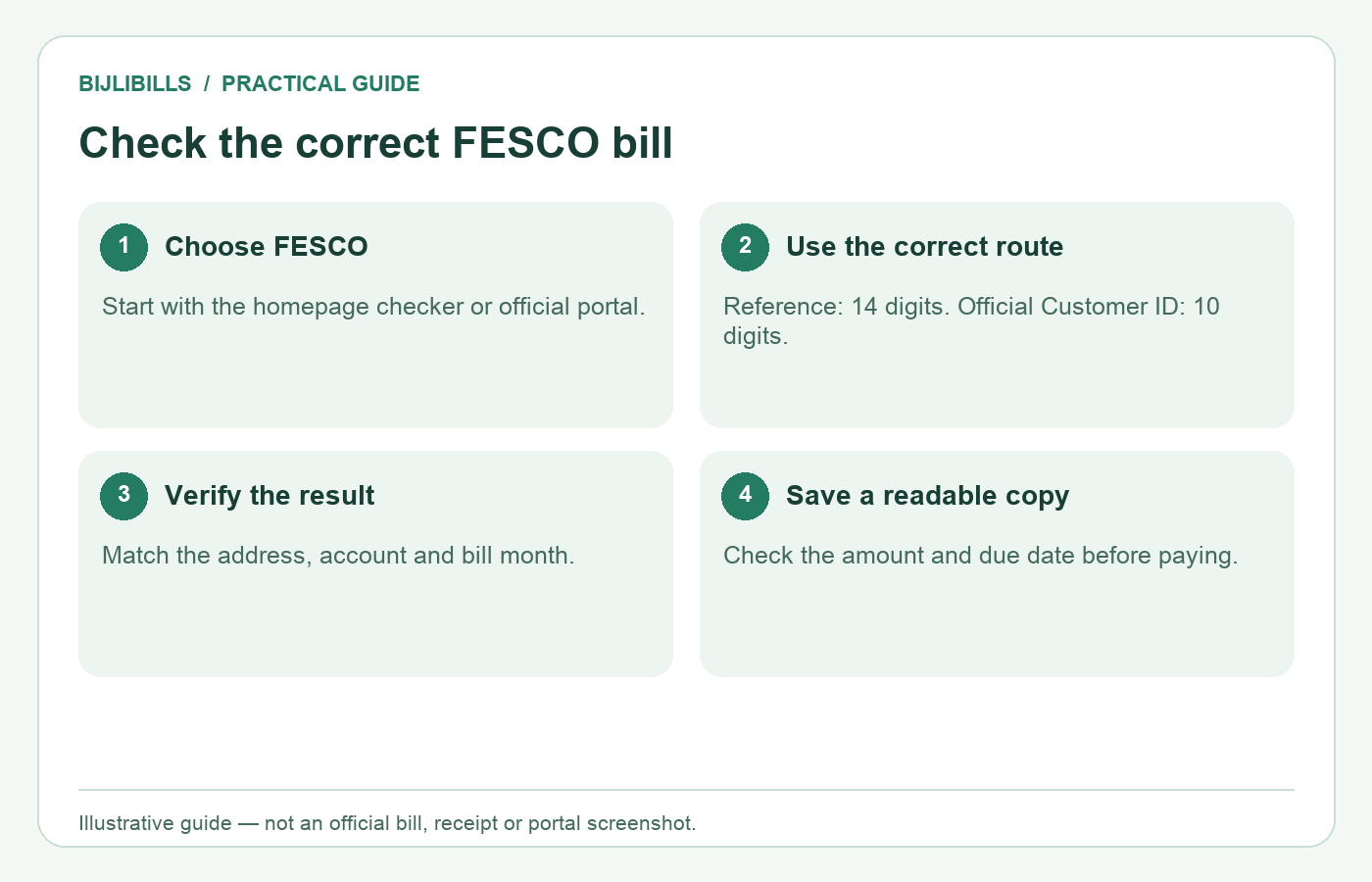
Illustrative process diagram; it is not an official portal screenshot or a customer bill.
Choose the correct number before trying again
Reference numbers, Customer IDs and meter serial numbers can appear near each other, but they serve different purposes.
| Detail available | Useful next step |
|---|---|
| Fourteen-digit reference number | Use the Reference No route |
| Ten-digit FESCO Customer ID | Switch to the official Customer ID route |
| Meter serial number only | Use it when discussing the connection with FESCO; do not substitute it into the bill form |
| Name or CNIC only | Recover an account identifier from your own records or ask FESCO for account-specific help |
The current bill-search entry form does not offer a name-only or CNIC-only lookup. Other services may request a CNIC for different tasks; that does not make those services public bill search tools.
If both account identifiers are missing, our FESCO guide to recovering a reference number explains sensible places to look. Do not borrow a neighbour’s reference just because the houses share a street or owner.
Confirm that you opened the right bill
Successful loading is only the first check. In a shared building, one family might manage a ground-floor connection, an upper-floor connection and a shop meter. A saved number from last month’s payment could belong to any of them.
Compare the service address and meter details with your own records. If the displayed consumer name is a landlord or previous owner, do not immediately assume the bill is wrong; verify the connection and address together. Equally, a familiar name alone is not enough to prove the account is yours.
Read these four dates separately:
- Billing month: the period label used for the bill.
- Reading date: when the recorded consumption was taken.
- Issue date: when the bill was issued.
- Due date: the payment deadline printed on that bill.
These are distinct billing fields under section 6.4.1 of the NEPRA Consumer Service Manual, revised 26 November 2025. For help interpreting the rest of the document, use our electricity bill terms guide.
Download a duplicate bill and print a readable copy
Once the correct bill is visible, use the print control available in the checker or your browser’s Print command. Choose a printer for paper, or the available Save as PDF option for a digital copy. Browser wording differs by device, so look for the print destination rather than an assumed universal Download button.
Check the print preview before confirming. The reference number, billing month, payable amounts and due date should be readable. If the page is cut off, adjust the scale or paper orientation in the preview. Avoid cropping away payment identifiers or the bottom of the bill merely to make the text larger.
Use a filename you can understand later, such as FESCO-home-2026-10.pdf. Keep the full account number inside your private records rather than in a publicly shared filename. Open the saved file once to make sure you captured the bill, not a loading message or empty browser page.
The manual provides for duplicate bills through the distribution company’s website. A duplicate is a copy of billing information, not proof that the amount has been paid. Save the successful payment receipt separately.
Why the latest month might not appear
An older bill on screen does not establish that nothing is payable. First check whether you opened an old saved PDF or a fresh portal result. Then verify the identifier and the billing month actually shown.
FESCO publishes bills by batch. Its October 2026 billing schedule lists different reading, printing, issue and payment dates. That schedule does not support one release date for every household in Faisalabad and surrounding districts.
If the current bill still does not appear, note the exact message, the date you checked and the month displayed. Ask FESCO whether your batch has been issued and whether the account identifier remains correct. Keep the printed due date in view; a portal problem is not an approved extension.
Check the amount before making a payment
A higher total does not necessarily mean the meter reading increased by the same proportion. Review units, the reading period, current charges, adjustments and any previous balance separately. Do not multiply all units by an internet “per-unit price” and assume the result must equal the payable amount.
For payment, use your authorized bank or wallet’s utility-bill service and verify the fetched account before authorizing. Our FESCO bill payment guide covers that separate task. The checker itself is not a payment receipt, and downloading the bill does not mark it paid.
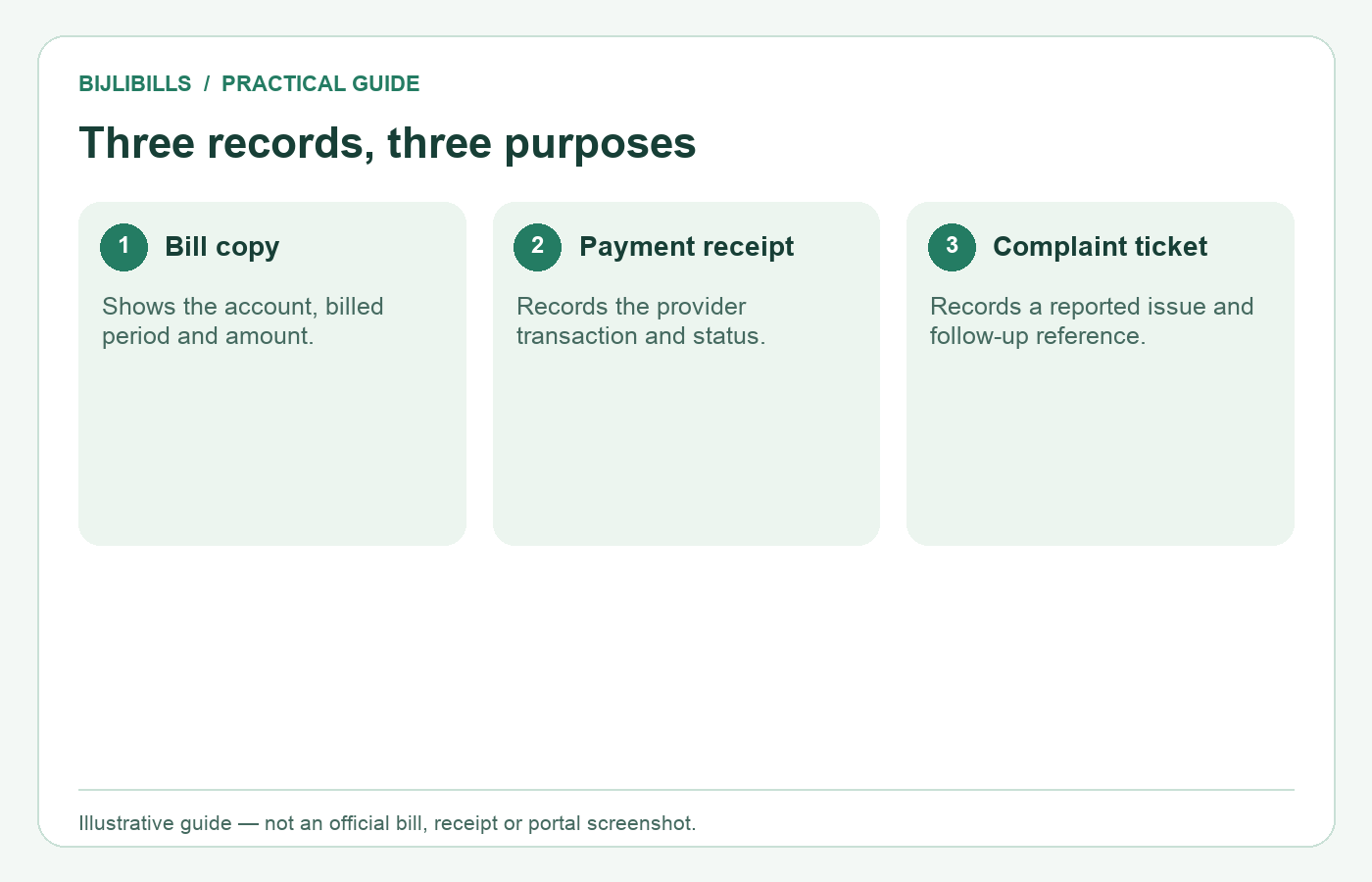
These records answer different questions: what was billed, what was paid, and what was reported.
Common mistakes worth avoiding
Copying a number from a screenshot can lose a leading zero or add a space. Entering the Customer ID while Reference No remains selected uses the wrong route. Checking only the payable amount can miss a wrong address or an older billing month.
Keep full bills out of public comments. They contain account and address information that strangers do not need. When asking for general help, redact identifying fields; share complete records only through a relevant official or authorized provider channel.
Frequently asked questions
Does using BijliBills cost a payment fee?
Viewing our guide is separate from paying FESCO. Check any charge displayed by your chosen payment provider before authorizing a transaction.
Can I check a connection outside Faisalabad city?
Use the company printed on that connection’s bill. If it is FESCO, use the FESCO route rather than choosing by city name alone.
Will the bill open without mobile data?
A new online lookup needs internet access. A previously saved PDF can be opened offline, but it may show an earlier month.
Can I save bills for two family homes?
Yes. Label each private file with a clear property nickname and month, and verify the address each time before paying.
Should I enter a neighbour’s number to test the checker?
Use your own authorized account details. Someone else’s result does not verify your bill or your connection status.
Why does my saved file show a blank page?
The print command may have captured the page before the bill finished loading. Reopen the result, inspect the preview, and save again.
Must I create an account on an unrelated bill website?
The official public lookup inspected for this guide uses bill identifiers. Avoid unnecessary registrations that request unrelated identity or payment details.
Can an online duplicate change a spelling mistake?
No. A duplicate reproduces the billing record. Ask FESCO about the appropriate correction or account-update process.
Is a QR code alone enough to confirm the recipient?
Review the account, company and amount presented by the payment service. Do not authorize a transaction solely because a code scans successfully.
Can I use a screenshot instead of a PDF?
A readable screenshot can help your own records, but ensure important fields are not cut off. A complete saved bill is easier to review later.
Can I retrieve every previous month from this form?
Do not assume so. A bill’s history summary is different from an archive of downloadable full bills. Retain copies as you receive them.
What if the connection name belongs to a deceased relative?
The bill lookup does not settle ownership. Ask FESCO which documentation is required for the relevant account change.
Should I disable browser security to make a bill load?
No. Retry the official portal in a normal updated browser. Do not install an unfamiliar extension or bypass a security warning to view a bill.
Can I edit the downloaded PDF to correct an amount?
An edited copy does not change the amount owed. Obtain an official corrected bill where a correction is approved.
What should I bookmark for next month?
Bookmark the checker entry page, not a temporary result containing account details. Recheck the new billing month before saving or paying.
Keep next month’s check simple
Keep one private account note, one clearly named bill copy and the matching payment receipt. Next month, start with the free checker at the top of BijliBills, confirm FESCO and the billing month, and use the official fallback whenever needed.