 Skip to content
Before you submit a LESCO complaint online, write down exactly what looks wrong: the reading, billing month, payment entry or a particular charge. “My bill is high” describes the result, but it does not identify the entry that needs checking.
Download the disputed bill and the previous bill first. Our LESCO bill guide can help you reach the bill portal. Keep both copies unchanged so you can compare any correction with the original.
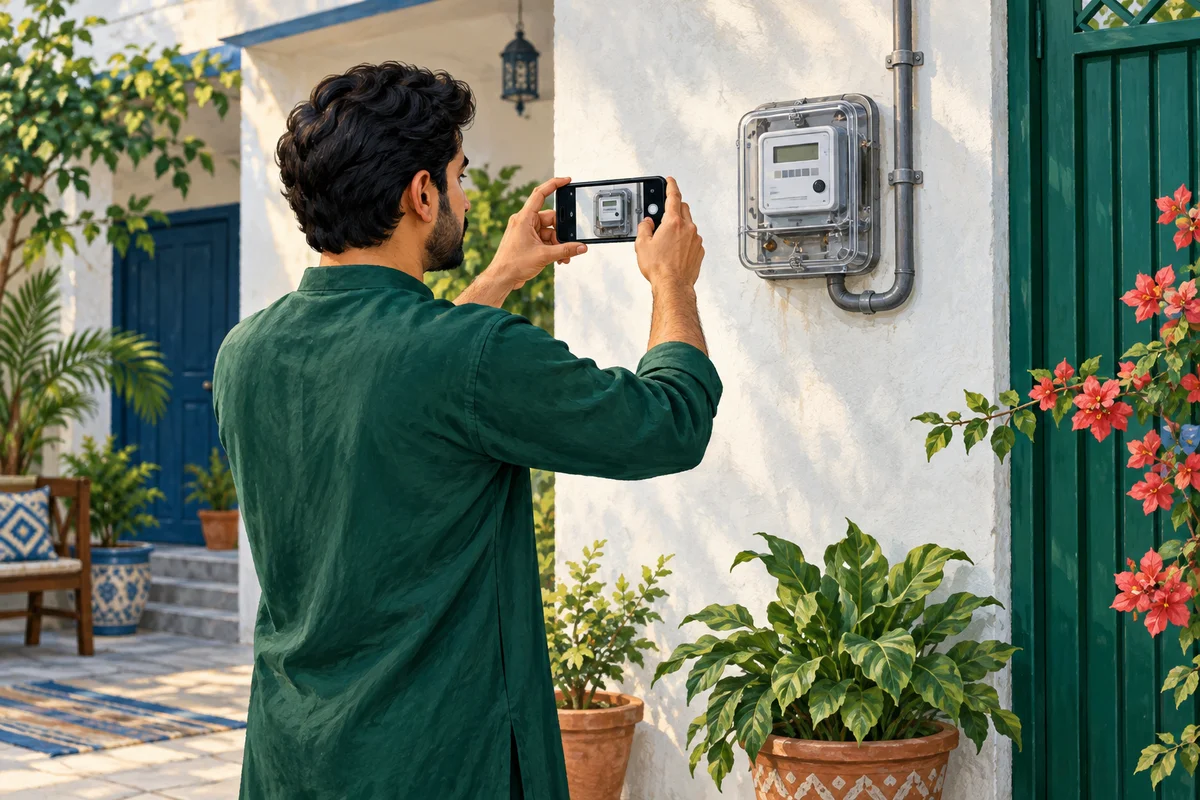
Prepare your LESCO complaint online
Start through LESCO's official website or the company's current contact route printed on your bill. The PITC complaint portal is another place to check the available company and complaint options. Portal access was intermittent during this guide's preparation, so this is not a claim that a test complaint was successfully submitted.
Before entering personal information, check the domain and company selection. BijliBills explains the process; it does not receive a complaint on LESCO's behalf or approve a bill adjustment.
Match the evidence to the problem
For a suspected reading error, compare the bill's reading date, meter serial and register with your own record. A photograph taken a week later cannot be treated as a photograph of the meter on the billing date. Write down when it was actually taken.
For a payment problem, use the payment receipt rather than a meter photograph. Include the transaction reference, bill reference, amount and date in the private complaint. If money left your bank but the transaction failed, the payment provider may also need to investigate.
For an unfamiliar charge, identify the line by its printed label. Ask which period and calculation it covers. A tariff or adjustment query is different from a request to correct a transposed reading.
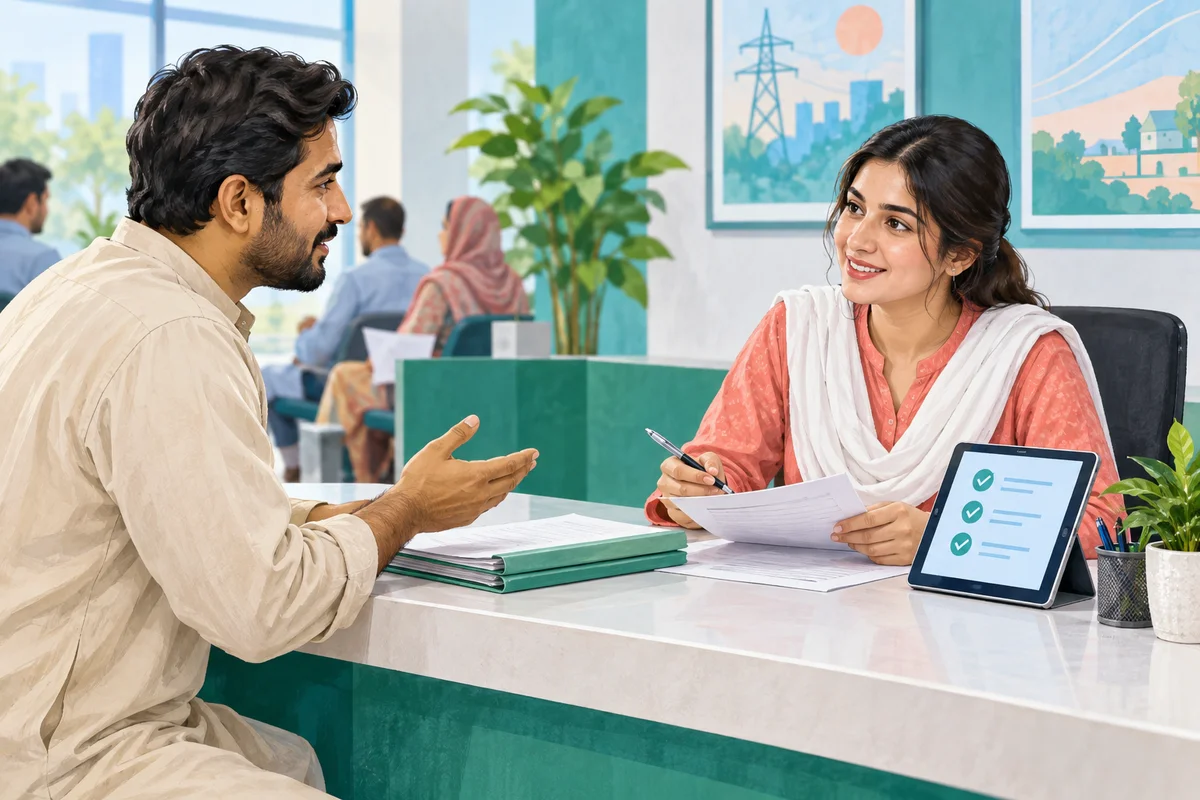
Use a short, factual description
Here is an original template you can adapt:
I am requesting a review of the [month/year] bill for my connection. The entry I dispute is [label or reading]. My supporting record shows [specific difference], dated [date]. Please check the entry, explain the outcome and issue a corrected bill if an error is confirmed.
Attach only relevant evidence. Do not add a full bank statement when a single payment receipt will explain the issue. Do not include your bank password, PIN or OTP in a complaint.
Keep proof of submission
Record the complaint number, date, channel and any response. A screenshot of a completed form before submission is not the same as an acknowledgment. If no acknowledgment appears, check whether the submission succeeded before opening another identical complaint.
For follow-up, quote the original complaint number and explain what remains unresolved. For example, the status may say “closed” while the disputed reading is unchanged on the bill. Ask for the written outcome and, if relevant, the revised bill or adjustment reference.
Do not assume that lodging a complaint changes your due date. Ask LESCO what payment or due-date instructions apply while the case is reviewed, and keep that response.
Frequently asked questions
Do I need to upload my CNIC publicly?
No. Provide identity information only when the official channel requests it, privately. Public comments are not an appropriate document-submission route.
Should I photograph an unsafe meter?
Do not approach damaged, sparking or exposed electrical equipment for evidence. Report the hazard and keep away. A bill review is not worth an electrical injury.
Is a complaint number proof of correction?
No. It identifies a case. Check the response and the resulting bill record separately.
What if the reply does not resolve the issue?
Request an explanation with the original case number. Consult the company's escalation procedure and the applicable guidance listed by NEPRA.
Our CCMS tracking guide explains how to maintain a clear follow-up record.
Editorial Note and Background
Prepared 26 September 2026; publication copy reviewed 29 September 2026. Independent, AI-assisted guidance, not an official company service or a report of a personally completed application. Examples are illustrative. Confirm current account-specific instructions with the company using the contact details on your bill.
Public source domains consulted during preparation: ccms.pitc.com.pk, lesco.gov.pk, nepra.org.pk. Portal access limitations are identified in the article where relevant.
For background reading only: Pakistan's electricity sector on Wikipedia. Wikipedia is not the authority for your application, complaint, payment or current service instructions.
Contact BijliBills about a correction or read our editorial guidelines.