 Skip to content
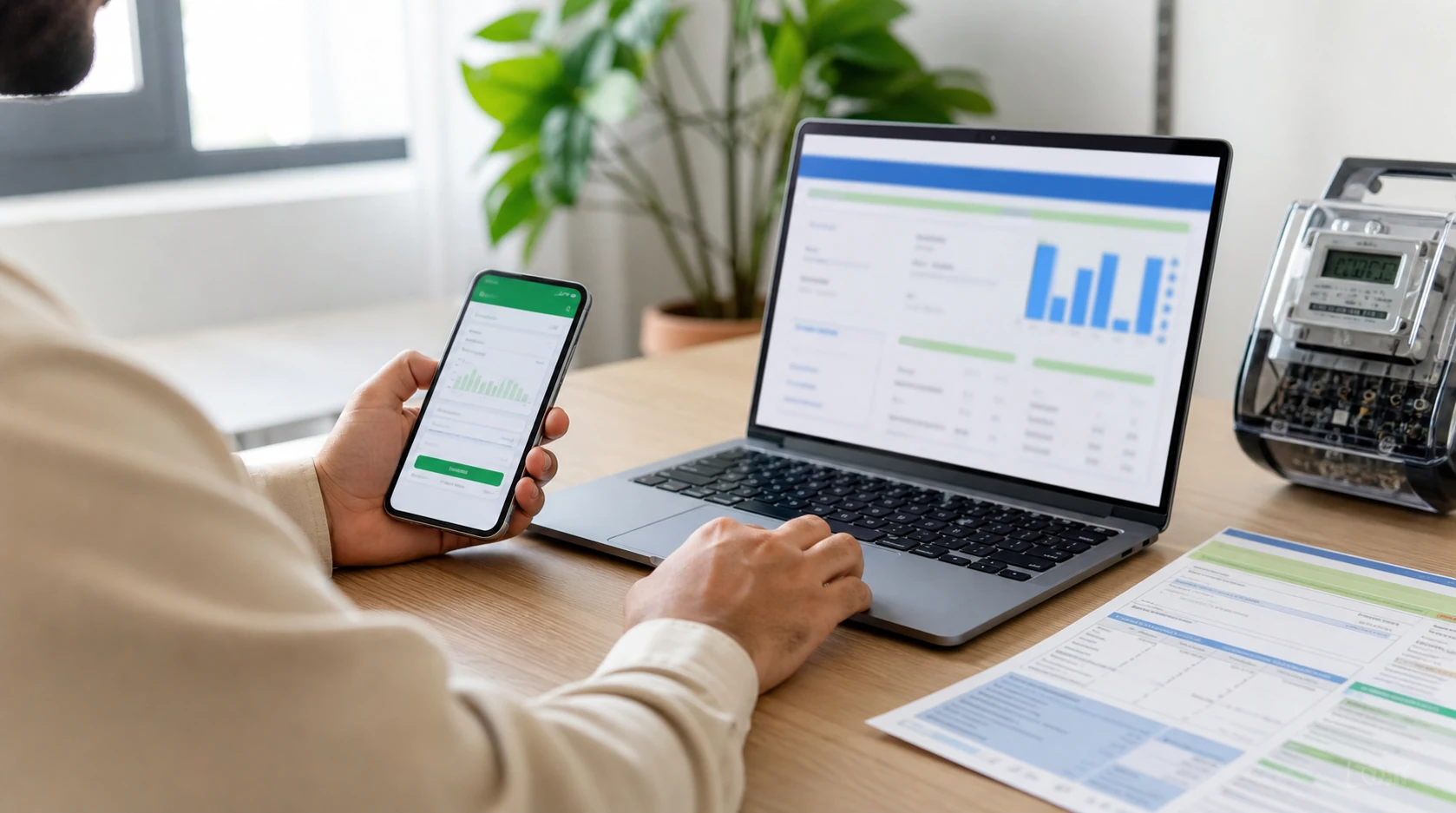
Most people only look for their electricity bill when the due date is already close. The paper bill may be lying at the gate, stuck with the shopkeeper, or simply not delivered yet. In that situation, the fastest option is to check bill online using the number printed on any old bill from the same meter.
On BijliBills.com, you can open the correct bill page for your electricity company and check the latest amount from your mobile or laptop. The idea is simple: choose your company, enter the reference number or customer ID, and view the bill copy.
Keep These Details Ready First
Before you start, take one previous electricity bill in your hand. Do not guess the number from memory. A single wrong digit can stop the result from opening.
Most online bill pages ask for one of these details:
- Reference number
- Customer ID
- Consumer number
- Account number, in some company systems
For many WAPDA-linked companies, the reference number is the main detail. You will normally find it near the top area of the bill. Some bill pages also accept customer ID, which is shorter and easier to type.
Simple Way to Check an Electricity Bill Online
Open the bill checker, select your electricity company, and type the number exactly as it appears on the bill. If the form asks for reference number, use the full reference number. If it asks for customer ID, use the customer ID field from your bill.
After submitting, wait for the result to load. You should be able to see the billing month, payable amount, due date, and duplicate bill option if it is available.
This is the common method people use for electricity bill online check in Pakistan. It works well for home users, tenants, shop owners, office staff, and anyone who handles more than one meter.
Which Company Should You Select?
Pakistan has different electricity companies for different areas. That is why the company selection matters.
For example, a person in Lahore normally needs LESCO bill check. A user in Multan or South Punjab may need MEPCO bill or MEPCO bill check. Faisalabad users often search for FESCO online bill, while Islamabad users search for IESCO bill.
Here are common examples:
- MEPCO bill for Multan and many South Punjab areas
- FESCO online bill for Faisalabad region
- IESCO bill for Islamabad and nearby areas
- LESCO bill check for Lahore region
- PESCO bill for Peshawar and many KP areas
- QESCO bill for Quetta and many Balochistan areas
- KE bill or KESC duplicate bill for Karachi users
If you are confused, look at the company name printed on your old bill. That is the safest clue.
What Is a Duplicate Bill?
A duplicate bill is not an extra bill. It is just another copy of the same electricity bill.
People usually need a duplicate bill when the printed copy is missing, the due date is close, or someone has to print the bill for payment record. Some users also download the bill as a PDF so they can keep monthly records on their phone.
If you searched for duplicate bill, online duplicate bill, or duplicate bijli bill, you are usually looking for this same copy.
Common Mistakes That Stop the Bill From Opening
The most common problem is a wrong number. Many people type the reference number quickly and miss one digit. Others select the wrong company, especially when they are checking a bill for a relative in another city.
Try these checks:
- Type the number again from the printed bill.
- Remove spaces before and after the number.
- Make sure the correct company is selected.
- Try customer ID if the page allows it.
- Wait a little if the official bill system is slow.
Near billing dates, official systems can load slowly because many people are checking bills at the same time.
A Small Safety Reminder
You should not need to enter CNIC, bank card number, ATM PIN, mobile banking password, or any private banking detail just to view an electricity bill. A normal bill check only needs bill-related information.
BijliBills.com is an independent guide and helper website. It is not the official website of WAPDA, any DISCO, or K-Electric. Always verify the bill amount on the result page before making payment.
Related Guides
- MEPCO bill check online
- FESCO online bill
- IESCO bill online
- LESCO bill check
- K-Electric duplicate bill
- FPA in electricity bill
- How to calculate electricity bill
FAQs
Can I check my electricity bill without the printed bill?
Yes, but only if you already know the reference number, customer ID, or consumer number. If you do not have any of these, use an old bill from the same meter.
Is online bijli bill check free?
Viewing the bill online is normally free. Payment charges depend on the payment method you use.
Why is my latest bill not showing?
The latest bill may not be uploaded yet, the number may be wrong, or the official system may be busy.
Can I print the online bill?
Yes. Once the bill opens, use the print option in your browser or save it as a PDF.