 Skip to content
FESCO SMS registration can help when a paper bill arrives late or reminders still go to an old phone number. The difficulty is knowing which official form updates your contact details and whether a message actually confirms activation. Start from FESCO’s eServices page, follow its current registration instructions, and keep a record of the request. Continue checking the bill independently until the service is confirmed.
An alert is a reminder. It does not replace the full bill, prove payment, extend the due date or change legal ownership of the connection.
Start with the official FESCO SMS registration route
The FESCO eServices page links SMS services and customer-detail registration. It is a better starting point than a copied SMS command from an old blog or an advertisement promising instant activation.
Read the name and purpose of the service you open. An SMS service registration form, an occupant-CNIC update and a new-connection application solve different problems. If the service provides a downloadable form, follow the current submission instructions; filling a PDF on your phone does not automatically send it to FESCO.
These routes were checked on 12 October 2026. The public pages do not establish a universal activation time, a guaranteed monthly delivery date or a verified SMS command that every consumer should send. Use the instructions on the official route currently presented to you.
Register or update alerts in seven careful steps
- Find a recent bill. Confirm that FESCO serves the connection and identify the correct reference number.
- Choose a suitable mobile number. Use a number you control and expect to keep. For a rented property, agree who should receive account reminders.
- Open FESCO eServices. Select the relevant SMS or contact-update service and read the purpose before entering details.
- Enter the connection information exactly. Preserve leading zeros and do not substitute a meter serial for an account identifier.
- Supply only the information requested. If the route requires identity evidence or verification, provide it privately through that official service.
- Complete the actual submission. Save any acknowledgement, request reference or receiving details provided by FESCO.
- Verify the result. Check the registered details where the service permits, watch for the relevant confirmation, and follow up if activation remains unclear.
Keep a personal reminder to inspect the bill near your usual billing period. The free checker on BijliBills can help you open the current FESCO bill even when an SMS has not arrived.
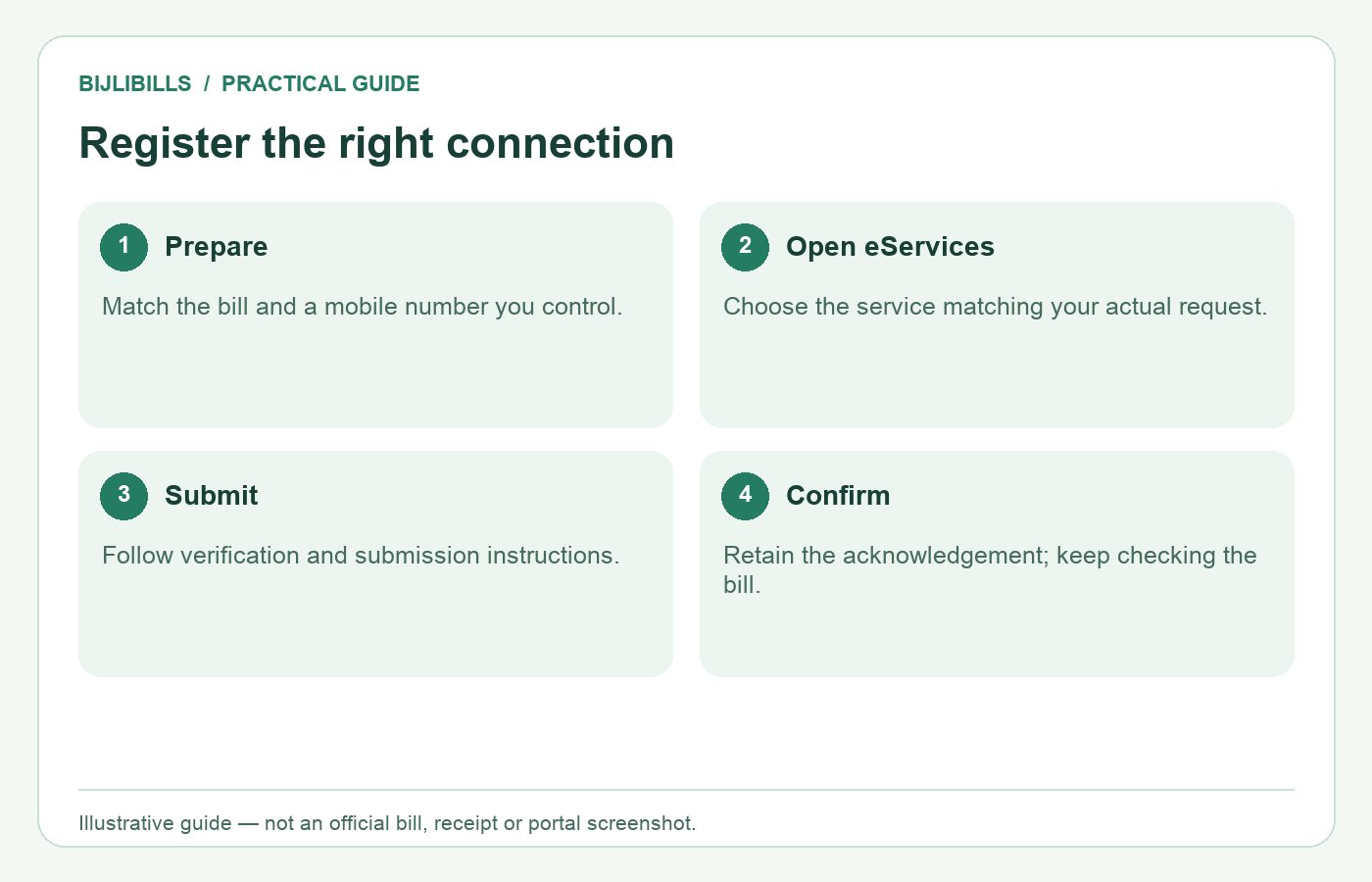
A process illustration, not an official form or proof of a completed registration.
Do not confuse mobile registration with ownership transfer
The PITC MNR portal explicitly distinguishes its occupant-CNIC update from ownership changes. Its notice directs ownership matters to the nearest Customer Facilitation Center or Revenue Office. Updating a mobile number or occupant detail therefore should not be described as transferring the electricity account into your name.
This distinction matters for tenants. A tenant may pay the electricity bill while the landlord remains the registered consumer. Agree who needs alerts and ask the official service what permission or evidence is required. Do not enter another person’s CNIC simply because it appears on an old document.
It also matters after a property sale or a family bereavement. A working SMS on a new phone does not establish that the legal account record was changed. Our electricity bill name-change guide helps separate that task from a contact update.
Keep a useful registration record
Create one private note for each connection. You do not need a complicated spreadsheet; the purpose is to distinguish the home bill from a shop or another property.
| Record | Example of what to keep |
|---|---|
| Connection label | Home upper floor or family shop |
| Identifier check | The full reference in a private account file; a masked ending in shared notes |
| Mobile number | The number requested, checked digit by digit |
| Submission record | Date, route and acknowledgement if issued |
| Current position | Submitted, clarification requested, or confirmation received |
These are suggested personal record labels, not official FESCO status names. Do not mark a request active merely because a form was completed. If an acknowledgement is unclear, ask what it confirms and what remains to be done.
Keep identity documents separate from ordinary reminder notes. A family member who only needs the due date does not necessarily need a copy of everyone’s CNIC or complete application.
When a FESCO bill SMS does not arrive
First establish which problem you have: registration was never acknowledged, registration was confirmed but no alert appeared, or messages concern the wrong connection. Each needs a different explanation when you contact support.
Check the registered number carefully. Review blocked or filtered messages on the phone. Note whether the SIM was replaced, the number changed, or access to it was lost. These checks can help describe the problem, but they do not prove the cause of a missing message.
Next, open the actual bill through the FESCO bill-check guide. Confirm its month and due date. FESCO’s October 2026 billing schedule has different dates for different batches, so absence of an alert on a neighbour’s usual day is not enough to diagnose a failure.
If the issue continues, give FESCO the submission date, acknowledgement and the specific alert problem. For broader record-keeping advice, see our electricity bill SMS registration guide.
Recognize a useful reminder without trusting every message
A message can contain the company name and still require verification. Open your saved official route or trusted payment app independently before paying. Compare the connection, amount and billing month instead of following an unfamiliar payment link blindly.
The PITC complaint service warns against transfers to individuals for bills, adjustments and meter services. This differs from selecting the electricity utility biller inside an authorized bank or wallet app. A person-to-person transfer request is not the same transaction as paying the FESCO biller.
Never provide your wallet PIN or a banking authorization OTP to someone who calls about SMS registration. Where an official form uses a verification code, enter it only in the service you intentionally opened and understand.
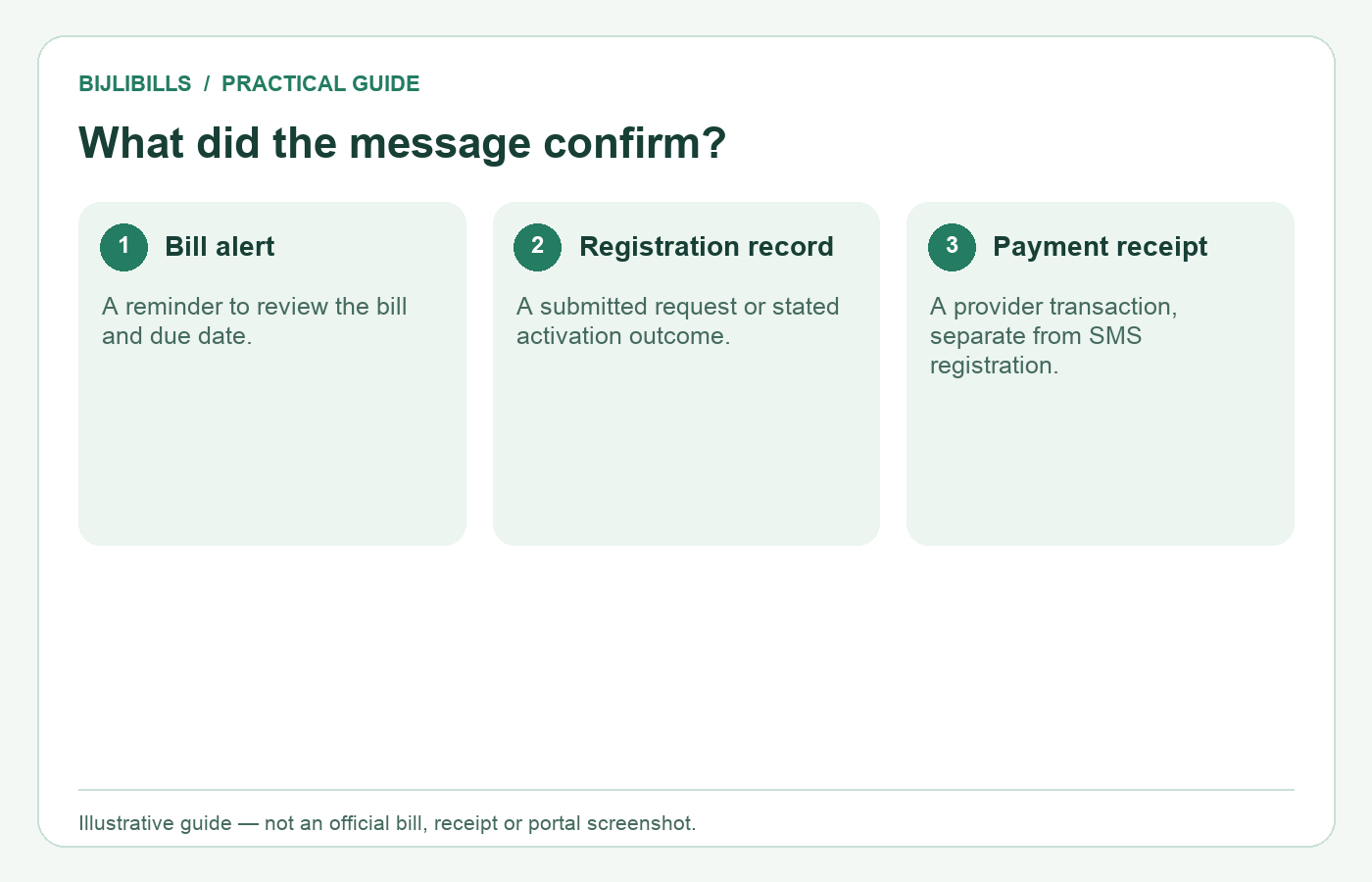
Read what the message confirms; these three records serve different purposes.
Frequently asked questions
Can I register if the connection is in my landlord’s name?
Ask the official service what occupant details and permission it requires. A contact request should not pretend that you are the registered owner.
Can one phone receive alerts for more than one meter?
Confirm the current service rules with FESCO. Keep separate connection records and make sure each message identifies the expected account.
Is downloading the SMS form enough to register?
No. Follow its submission instructions and keep the acknowledgement or receiving details, if provided.
Can I assume activation after receiving an OTP?
An OTP may verify a phone number during a form step. Check whether the service separately confirms that the overall request was submitted or activated.
What if I entered one wrong digit in my mobile number?
Use the official correction route promptly and explain the original request. Do not assume that sending the same form repeatedly will replace it correctly.
Will an alert show every charge on the bill?
Do not rely on a short message for a full breakdown. Open the bill when checking units, previous balances, taxes or adjustments.
Does a missing SMS extend my payment deadline?
No automatic extension was established by this research. Use the printed due date and ask FESCO about an approved extension if needed.
Can I pay using only the amount quoted in a message?
Verify the account and current amount in the actual bill or authorized payment service before authorizing a payment.
Does FESCO offer an email alert on the same form?
A current universal email-alert registration flow was not verified here. Use only an email option actually offered by the official service.
Is the complaint SMS number a bill-alert registration code?
No. Different numbers and forms have different purposes. Do not turn a complaint-channel number into a bill-subscription instruction.
What if the registered SIM no longer belongs to me?
Ask FESCO to update the contact record and stop relying on that number. Keep using a separate reminder to check your bill during the change.
Can BijliBills change the mobile number on my account?
No. BijliBills is an independent guide and checker. FESCO or its authorized service handles account-detail changes.
Should I post my bill in a public group to get registration help?
Avoid sharing a complete bill publicly. It contains identifying account and address information. Use the appropriate private official channel.
Does changing the occupant CNIC change property ownership?
No. The MNR notice distinguishes occupant information from ownership. Legal ownership and account transfer require their own verification process.
What record should I keep when the problem is resolved?
Save the confirmation, the connection it covers and the number registered. Retain the earlier request details if they may explain future misdirected alerts.
Use alerts as a backup, not your only bill record
Complete registration through FESCO’s official route, verify what the acknowledgement means and keep your contact information current. Bookmark the BijliBills checker as a practical fallback so a missing message does not prevent you from checking the actual bill.