 Skip to content
For a MEPCO demand notice check online, start with your new-connection application record. The notice belongs to that application, not to a monthly electricity bill. Open the application service through MEPCO's official website and use the identifier issued for your case.
The MEPCO services page lists new-connection and payment facilities. Interface labels may change, so follow the current company link instead of a saved screenshot of an older form.

MEPCO demand notice check online: before you pay
Before printing or paying, compare the applicant name, service address, application identifier and description of the connection with your application. Check the amount, deadline and payment instructions on the notice itself.
If the property address is incomplete or the requested connection does not look right, seek clarification first. Payment is not a reliable way to correct a mistaken application. Keep the original notice while you ask for the necessary revision.
Do not compare only the total with a neighbour's receipt. A different load, scope of work or installation requirement can make a casual comparison misleading. Ask for an explanation of your own notice rather than assuming the other household's figure is a standard price.
Print a copy that keeps the important fields
On a phone, open the actual document before using Print or Save as PDF. Check the preview: the applicant details, case identifier, amount and payment instructions should not be clipped off the edge.
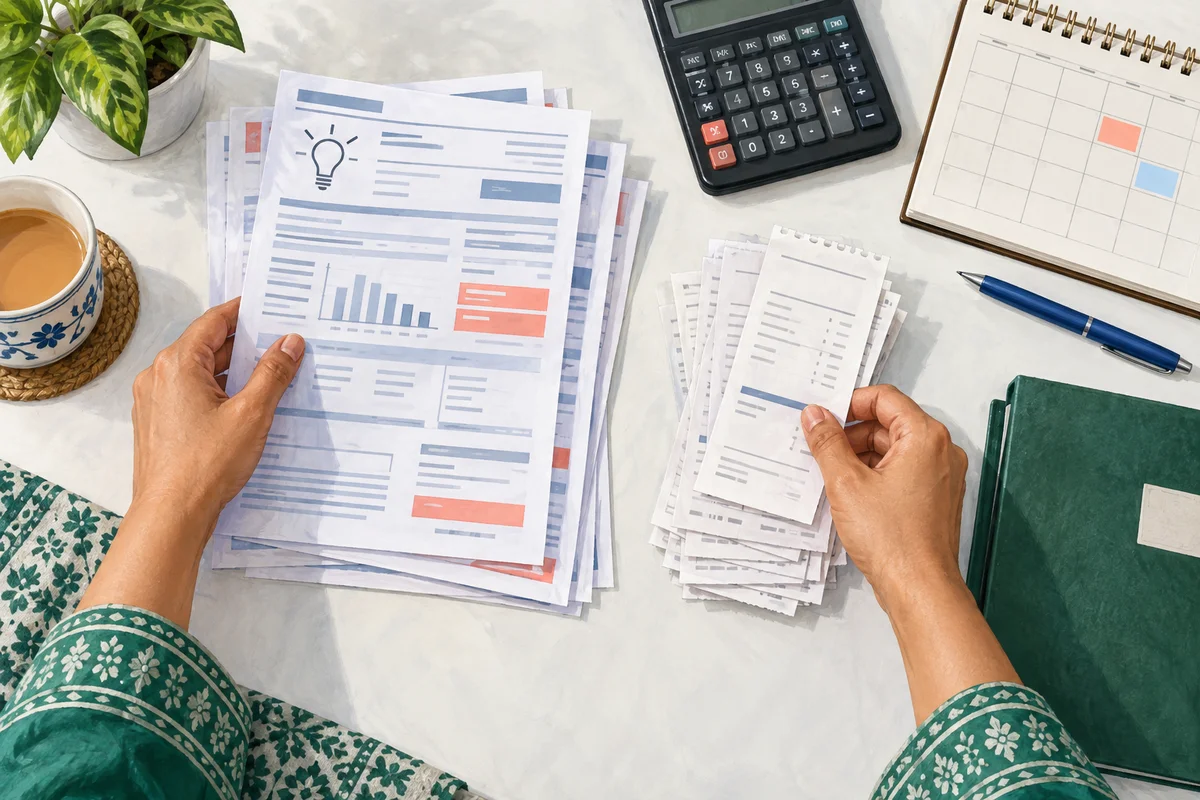
Keep a digital copy with an unmistakable filename, such as “MEPCO-new-connection-notice-date.” Do not overwrite it with a payment receipt. The two documents answer different questions: what payment was requested, and what payment was made.
If the page is blank or the download fails, retry from the official application route. Avoid sending your identity documents to a third-party “notice download” service simply because the official page is slow.
Pay only after matching the case
Follow the authorized channel shown on the notice. Review the recipient and identifying fields before confirming payment. Do not pay a private account supplied in an unsolicited message claiming it can speed up installation.
After payment, keep the receipt with its amount, date and transaction reference. If the official process asks for receipt submission or upload, use that process and retain any acknowledgment. A saved image on your own phone is not proof that the application office has received it.
When the application still looks unpaid
Compare the receipt with the notice again. Was the correct application selected? Does the amount match? Was the transaction completed, pending or reversed? Ask the payment provider to clarify the transaction status where necessary.
Then contact the application office with both documents. A useful question is: “Please confirm whether this payment has been matched to application [number] and whether any further document is outstanding.” This focuses the follow-up on reconciliation rather than asking you to start over.
Do not make a second payment just because the status has not refreshed. First establish what happened to the original transaction.
Frequently asked questions
Is a demand notice a monthly bill?
No. Keep it in your connection-application folder. Your recurring electricity bill is a separate record.
Can I pay an expired notice?
Ask the company whether the existing notice is still usable or needs revision. Do not guess from an older blog's deadline.
Does a paid notice confirm energization?
No. Confirm the remaining application and installation steps separately. A receipt is evidence of a payment, not of a working connection.
Where are current fees and conditions checked?
Use the actual notice and the current company instructions. NEPRA's manual index provides the regulatory background, not a personalized quotation.
For the earlier application stages, see our MEPCO new-connection guide. For document handling, see printing and keeping a demand notice.
Editorial Note and Background
Prepared 26 September 2026; publication copy reviewed 29 September 2026. Independent, AI-assisted guidance, not an official company service or a report of a personally completed application. Examples are illustrative. Confirm current account-specific instructions with the company using the contact details on your bill.
Public source domains consulted during preparation: mepco.com.pk, nepra.org.pk. Portal access limitations are identified in the article where relevant.
For background reading only: Pakistan's electricity sector on Wikipedia. Wikipedia is not the authority for your application, complaint, payment or current service instructions.
Contact BijliBills about a correction or read our editorial guidelines.