 Skip to content
A PESCO bill correction request should show the difference you want checked. Put the bill's previous and current readings beside your own dated record, then check that both refer to the same meter and register. Comparing unrelated numbers can make a correct bill look wrong.
PESCO's Consumer One-stop-shop lists complaint management and bill-adjustment resources. A link appearing there does not mean every adjustment screen is a public self-service form. Follow the access instructions and use the complaint route when you need the company to review an entry.
Prepare a PESCO bill correction comparison
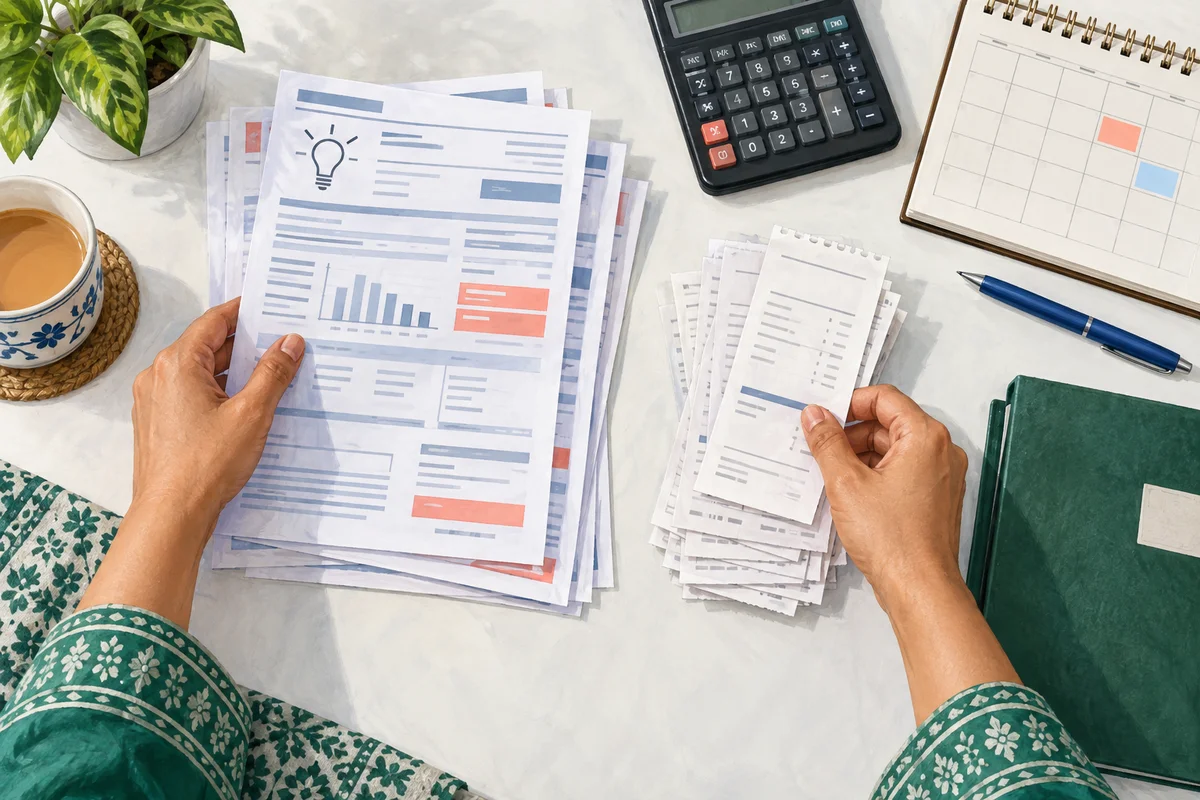
Begin with the bill month, reading date, meter serial and readings. For a time-of-use meter, keep peak and off-peak registers separate. If the meter was replaced, do not subtract the new meter's reading from the old meter's total as though they were one continuous register.
Here is an illustrative calculation, not a real customer's bill: if the same cumulative register moved from 12,450 to 12,690 and the applicable multiplier is 1, the difference is 240 units. It is a consumption check, not a rupee-bill calculation. Taxes, adjustments and other entries require their own review.
Use the meter-reading guide if you are unsure which display you are comparing.
Photograph the record safely
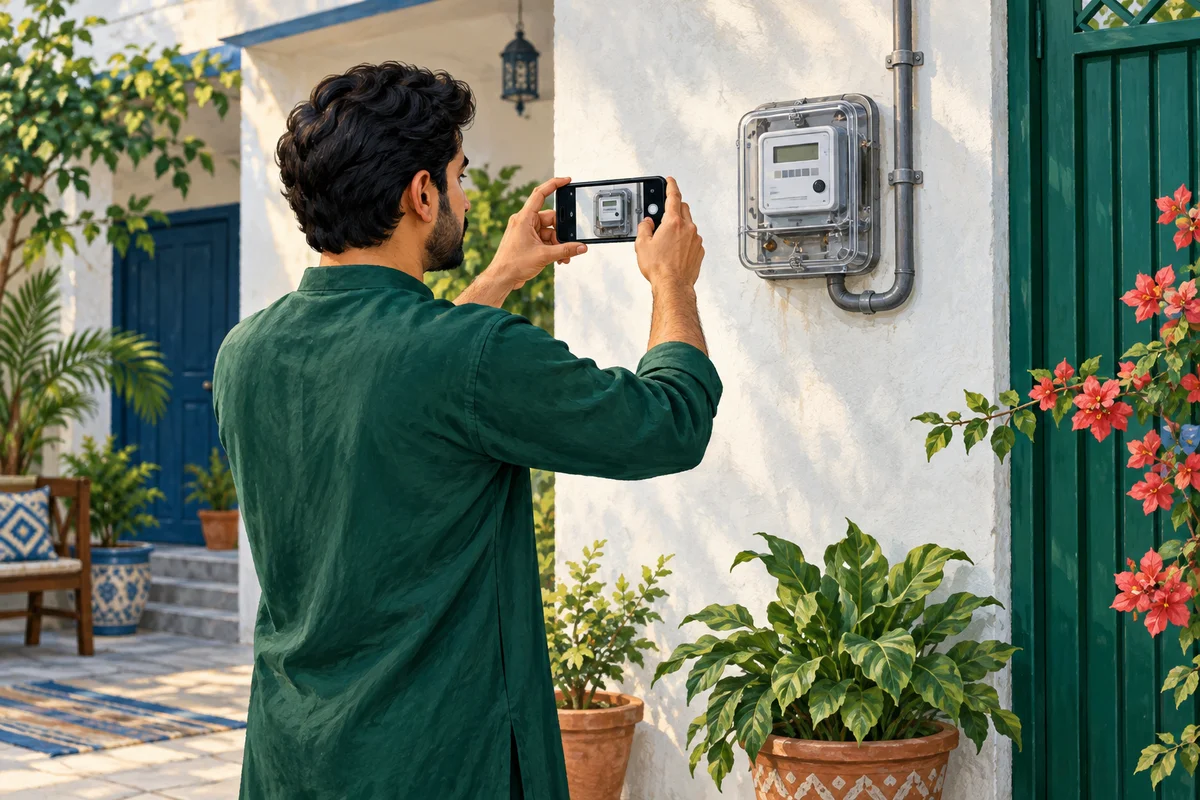
If the meter is safely accessible, take a clear photograph without touching it or opening its enclosure. Keep the original image and note when it was taken. A current photograph cannot recreate a reading date that has already passed.
Include the meter identifier if it can be captured safely, so the photograph can be associated with the right device. Avoid photographing unrelated neighbours' details. Never approach sparking equipment or a fallen cable to obtain evidence.
When the printed reading photograph is unclear, say that directly. Ask the company to check its reading record instead of sharpening an image until uncertain digits appear definite.
Submit a specific request
State the bill month and the disputed entry, attach the relevant evidence, and ask for a review. If you believe the issue is an estimated reading, meter replacement or a carried-forward charge, describe the record that led you to that concern without presenting it as a confirmed diagnosis.
PESCO's complaint-cell page publishes 118 and SMS 8118, followed by circle contacts for unresolved cases. It also asks consumers to give their ticket number when following up. Use the contact for the correct circle rather than a number copied from an old social-media post.
Review the correction, not just the reply
Keep the complaint number and the company's explanation. If a corrected bill is issued, compare its account, month, readings and total with the original. Check whether the correction addresses the entry you reported or another part of the bill.
Ask the company what payment instructions apply while the case is being reviewed. Do not assume that a request automatically stops the due date or permits you to pay a self-calculated total.
Frequently asked questions
Can a high bill be correct?
Yes. Greater consumption or different bill components can increase the total. Identify the disputed entry before asking for correction.
Can I change the amount on a PDF and pay that?
No. A document you edit is not an authorized revised bill. Obtain the company's correction or payment instructions.
Should I use an adjustment portal that asks for staff credentials?
No. Do not seek employee access. Use the public complaint or customer-service process.
What if my company is now HAZECO?
Check the company printed on the current bill and follow its current service route. Do not assume an old PESCO bookmark is still the correct place for the connection.
Download the current record using the PESCO bill guide before preparing your comparison.
Editorial Note and Background
Prepared 26 September 2026; publication copy reviewed 29 September 2026. Independent, AI-assisted guidance, not an official company service or a report of a personally completed application. Examples are illustrative. Confirm current account-specific instructions with the company using the contact details on your bill.
Public source domains consulted during preparation: pesco.com.pk. Portal access limitations are identified in the article where relevant.
For background reading only: Pakistan's electricity sector on Wikipedia. Wikipedia is not the authority for your application, complaint, payment or current service instructions.
Contact BijliBills about a correction or read our editorial guidelines.