 Skip to content
IESCO bill arrears can be confusing when you remember paying the previous bill. Start by matching the receipt to the electricity account and month. A payment leaving a wallet or bank account is not, by itself, proof that the intended bill was correctly identified.
IESCO's official FAQs direct consumers with wrongly included arrears to seek correction using the previous bill's payment receipt. Keep the receipt and the bill showing the disputed arrears together so the person reviewing the account can see both sides of the problem.
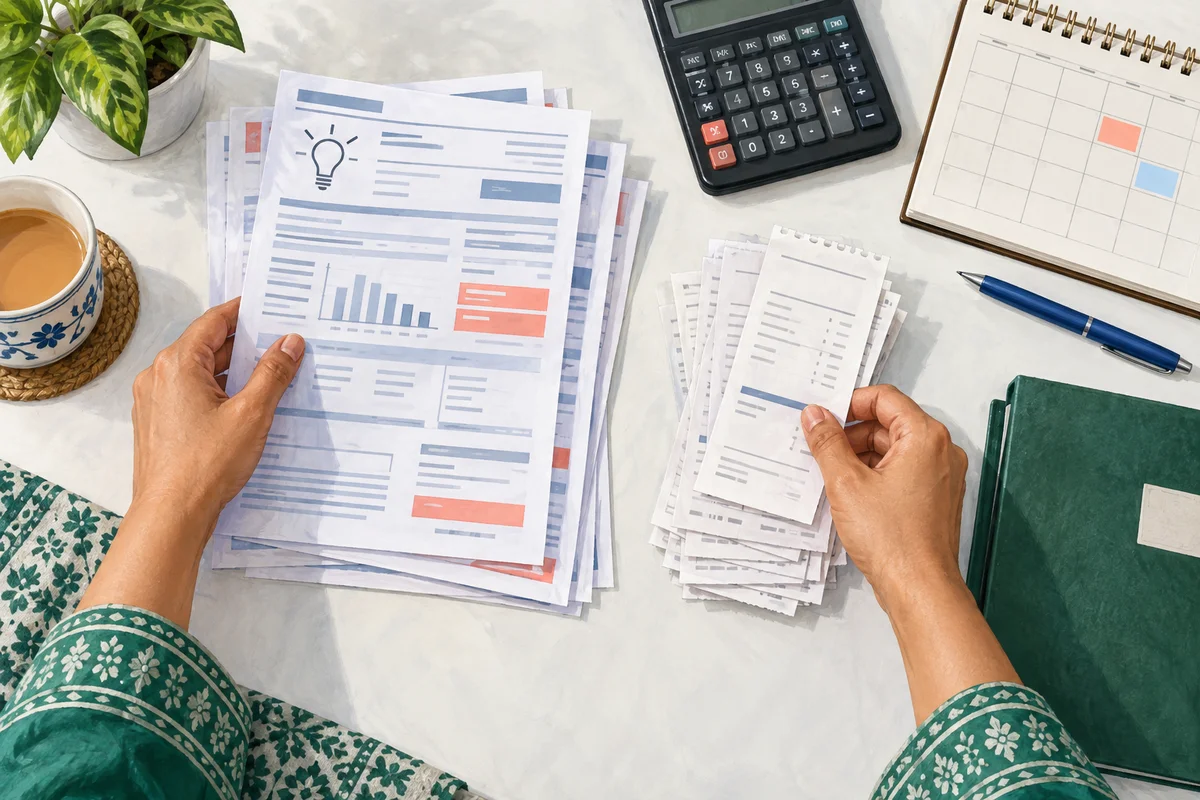
Check the IESCO bill arrears entry
Download a fresh bill, then note its billing month, issue details and arrears amount. Do not compare a current receipt with an old bill screenshot without checking when each record was produced.
Use our IESCO bill guide if you need the duplicate-bill route. Save the file with its month instead of replacing last month's copy.
Next, check the receipt. Does it show the right connection, amount and payment date? Was the transaction successful, still pending or later reversed? If the payment application does not make that clear, ask the payment provider for the transaction status.
Compare like with like
A household with several bills can accidentally pay a different connection. Another common source of confusion is a payment made after the displayed bill was generated. Neither situation can be diagnosed from the arrears total alone.
Make a short comparison:
| Record | What to copy into your private notes |
|---|---|
| Bill being questioned | Month, account reference and arrears amount |
| Earlier bill | Month and amount due |
| Payment receipt | Date, amount and transaction identifier |
| Company response | Case number and requested action |
Do not put the full account number into a public spreadsheet or comment thread. The comparison is intended for you and the official support process.

Ask for a traceable correction
Contact the subdivision or customer-service channel identified by IESCO. Explain that you are querying a paid amount appearing as arrears, rather than asking for a general discount on the bill.
For example: “The [month] bill shows an arrears entry of [amount]. I paid the earlier bill on [date], transaction [reference]. Please confirm whether this payment was posted to my connection and explain any remaining balance.”
If the payment was posted incorrectly, ask which record must be corrected and who handles that correction. If it was never completed, the payment provider needs to explain the failed or reversed transaction. Keep the original receipt even when you receive a new reference during the investigation.
Check the outcome on the account
When a representative says the matter is resolved, ask how you can verify the correction. That might involve a revised bill or an identified account adjustment. Read the resulting record instead of relying only on a status label.
Ask what should be paid while the query is pending. Do not assume a complaint cancels the due date, and do not make a second identical payment just because a page has not refreshed. Establish the first payment's status before deciding what action is needed.
Frequently asked questions
Will every arrears entry be a mistake?
No. Compare it with the actual unpaid balance and payment history. It may reflect an outstanding amount, a timing issue or an error requiring investigation.
Is a bank balance screenshot sufficient?
An itemized payment receipt is more useful because it identifies the transaction. Share only the relevant record, not unrelated financial activity.
What if I paid a different connection by mistake?
Contact the payment provider and company with both identifiers. Do not edit the receipt or assume the payment can be moved automatically.
How do I prevent the same confusion next month?
Keep each month's bill and receipt paired. For several connections, use separate folders with simple labels such as home and shop.
Read what counts as payment confirmation and what to do when money was deducted but the bill remains unpaid.
Editorial Note and Background
Prepared 26 September 2026; publication copy reviewed 29 September 2026. Independent, AI-assisted guidance, not an official company service or a report of a personally completed application. Examples are illustrative. Confirm current account-specific instructions with the company using the contact details on your bill.
Public source domains consulted during preparation: iesco.com.pk. Portal access limitations are identified in the article where relevant.
For background reading only: Pakistan's electricity sector on Wikipedia. Wikipedia is not the authority for your application, complaint, payment or current service instructions.
Contact BijliBills about a correction or read our editorial guidelines.