 Skip to content
Checking a FESCO bill without a reference number starts with the records you still have. You need your bill, but the paper copy is missing and you cannot find the long reference number. That does not automatically mean a trip to an office. If you have the separate 10-digit Customer ID, use the Customer ID option on the official FESCO bill portal. If both identifiers are missing, first recover them from a previous bill, a saved payment record or the person who manages the connection.
The important question is whether you have lost the bill document or every record of the connection. This guide helps you choose the next step without guessing someone else's number, sharing private documents publicly or paying an unofficial agent. BijliBills is an independent guide; FESCO maintains the electricity account and PITC provides the official online bill service.
Can you check a FESCO Bill without a reference number?
The public PITC form checked on 12 October 2026 offers two separate choices: Reference No and Customer ID. These are alternative lookup routes. The form does not present a general bill search by a person's name, home address or CNIC.
A 14-digit reference number and a 10-digit Customer ID are different identifiers. Do not paste one into the other field simply because both identify the same connection. Keep any leading zero and copy from the matching label on a genuine record. The reference number and Customer ID guide explains how to avoid this mix-up.
Customer-service verification is also different from public bill lookup. An official office may ask for information that establishes your relationship to a connection. That does not mean an independent website can retrieve everybody's bills by CNIC.
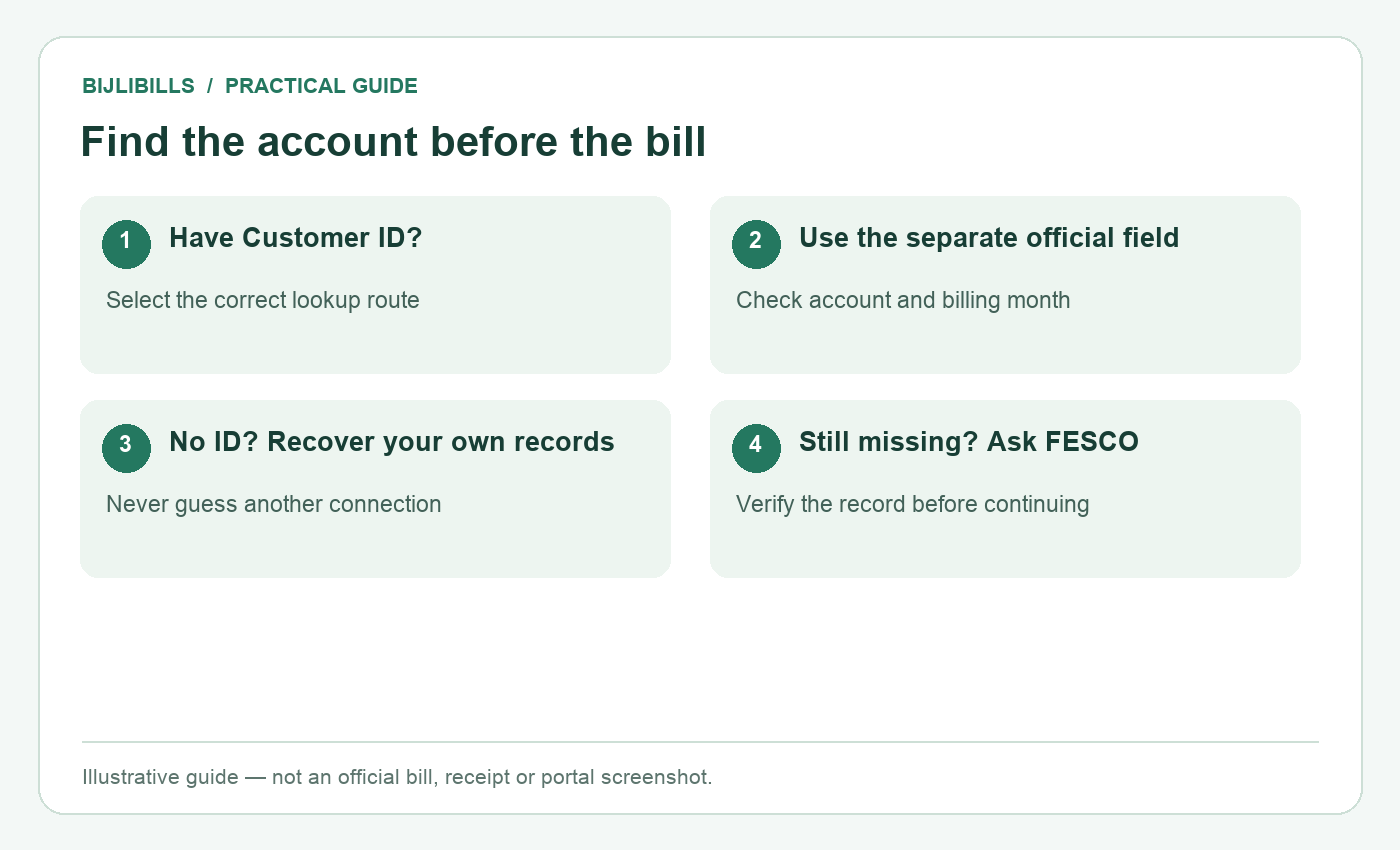
Illustrative workflow: find the account before the bill. This is not an official bill or portal screenshot.
Choose the route that matches what you still have
| Available record | Useful next step | Check before continuing |
|---|---|---|
| Customer ID on a saved document | Select Customer ID on the official portal | Copy the number from that label, not the meter serial |
| A photo or PDF of an older bill | Recover the reference or Customer ID | Confirm it belongs to the same premises and connection |
| A successful bank or wallet payment | Open its saved biller or receipt details | The provider may show only part of the identifier |
| A landlord's or family member's record | Ask privately for the connection's bill details | Match the meter and property, especially with multiple portions |
| No usable document | Contact FESCO's relevant office | Ask what evidence it needs before travelling |
A record can be old without being irrelevant, but changes to an account or meter mean you should verify the result rather than assume it remains correct forever.
Step by step: use the Customer ID route
- Open the official PITC FESCO page using the link above. If starting at the BijliBills electricity checker, choose FESCO and use its official-portal fallback for the Customer ID route; the popup checker uses the 14-digit reference number.
- Select Customer ID before entering anything. Read the field instruction displayed by the live portal.
- Copy the identifier from the Customer ID label on your own bill or trusted account record. Remove accidental spaces introduced by copying; do not invent digits.
- Submit the search using the portal's current control. Complete a security check only if the official page presents one.
- Review the returned name, service address, connection details and billing month. One matching amount alone is not enough to identify the correct account.
- Save the bill only after those details match. Record both identifiers privately so the next lookup is easier.
The lookup result is not payment confirmation. It is a bill document. If your aim is to check a payment, compare the official account information with the payment provider's transaction record.
Recover the number from records you already control
Start with the places most likely to contain the full document: your phone's Downloads folder, a private email attachment, a cloud folder, or an earlier message sent by your landlord. Search filenames and messages for “FESCO,” “electricity” and “bill,” then check the account details instead of relying on the filename.
Next, look at the payment app you actually used. A saved electricity biller or previous receipt may retain the customer reference. Some providers mask part of it, and app screens differ. A masked number is a clue for matching records, not an invitation to guess the missing digits.
If another household member normally pays, ask them to send the relevant identifier privately. Avoid forwarding the complete bank statement: it can expose balances, other transactions and account information that are unnecessary for a bill search.
For rented premises, establish which meter supplies your portion. A building may contain more than one FESCO connection. The owner's name may be different from the current occupant's, so use the property and meter information together when confirming the correct record.
When every bill is missing
Contact the relevant FESCO Sub-Division or Revenue Office and explain exactly what is missing. FESCO's customer services directory is a starting point for official services and documents. Ask which office handles the premises and what identification or property-related evidence is required for your particular request.
Write down the service address, any meter serial you can read safely, the registered consumer's name if known, and the reason you need the account identifier. A meter serial can help an official locate a record; it is not the same as a reference number accepted by the public bill form.
Do not open a meter enclosure, interfere with wiring or remove a seal to obtain information. If the label is inaccessible, describe the situation to FESCO rather than attempting to reach it unsafely.
For a tenant, the landlord or registered consumer may need to help. Ask the office about its verification requirements instead of assuming a tenancy agreement, CNIC or address alone guarantees disclosure.
What to do if the recovered number fails
First check that you are on the FESCO page. Numbers from another distribution company will not become FESCO accounts simply because the property is nearby. Then check the selected identifier type and compare each character with the original record.
If the reference route includes a U/R selection, use the value associated with your genuine record. Do not change letters or digits repeatedly until a result appears. A result for somebody else is a mismatch, not a successful recovery.
If the portal is unavailable, save your trusted identifier and try again through the official destination later. A service outage does not prove the account has been closed. If the same verified details consistently fail, use the bill-not-found troubleshooting guide and ask FESCO to check the account.
A newly installed connection raises a different question: has the first bill been generated, and what account identifier has been assigned? Use your application record when discussing this with FESCO. An application tracking number should not be assumed to work as a bill reference.
Keep the recovered record useful and private
Save one clear PDF and a private note containing the provider, service address and identifiers. Where several connections are managed together, use labels such as “home upper portion” or “shop,” then verify those labels against the actual records.
A useful filename includes the provider and billing month. It does not need your CNIC or complete bank account number. Use the bill history and record-keeping guide to keep current documents separate from past receipts.
Before sending a bill to a public group or an unknown person, consider what the image reveals: address, name, reference number and usage history may all be visible. Share the minimum necessary information through a trusted channel. Never share a payment-app PIN or OTP to recover an electricity bill.
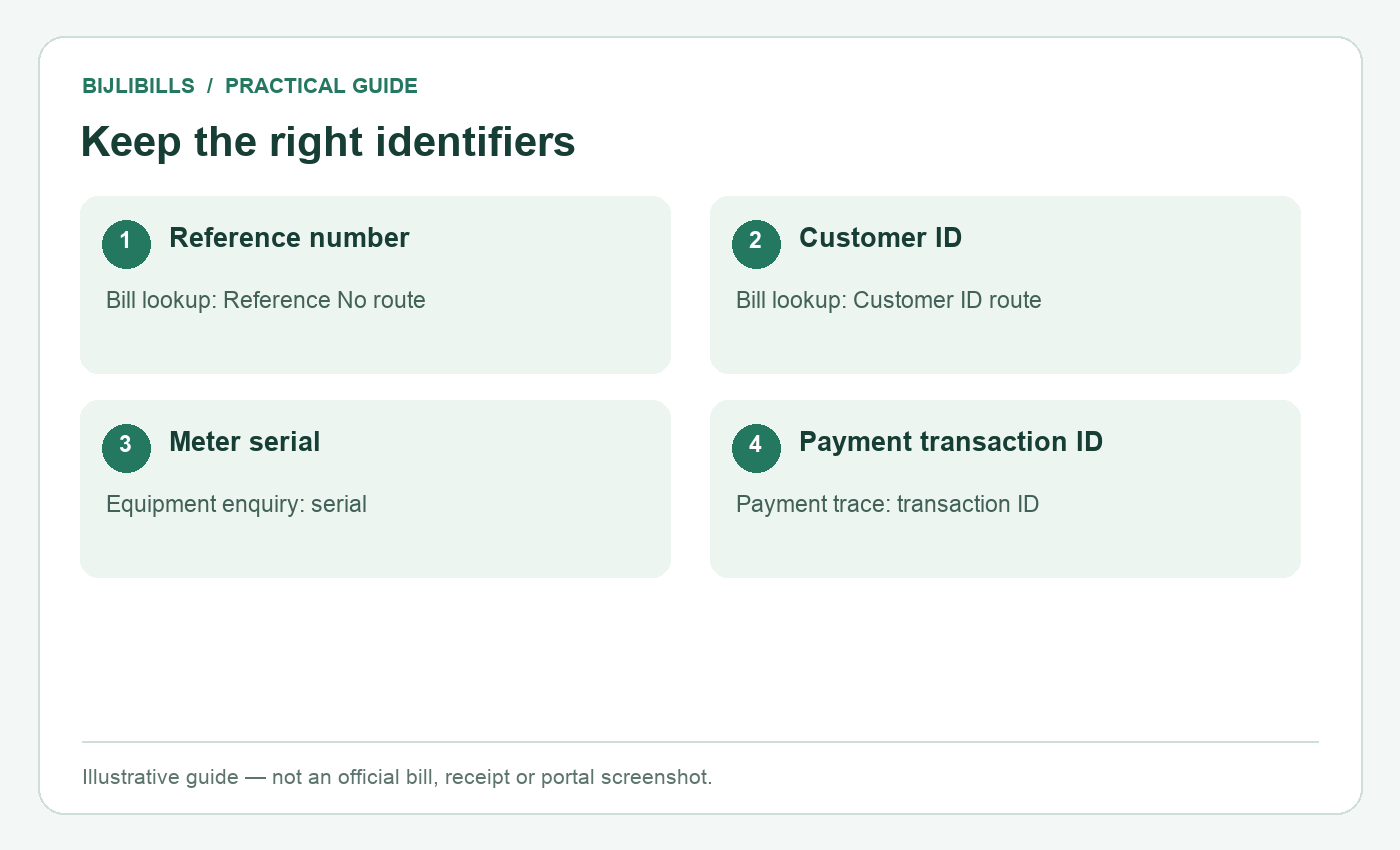
Illustrative workflow: keep the right identifiers. This is not an official bill or portal screenshot.
Frequently asked questions
1. Can a Customer ID replace the reference number for lookup?
Yes, the official FESCO form offers a separate Customer ID route. Select that option and use the identifier from the matching label.
2. Can I search the public bill portal by CNIC?
The form checked on 12 October 2026 does not offer a general CNIC lookup. Do not confuse official identity verification with public bill search.
3. Is the meter serial the reference number?
No. The serial identifies the meter device. The bill reference identifies the account used by the lookup route.
4. Can I use a neighbour's reference number?
No. It opens a different connection. A nearby property's identifier is not a substitute for yours.
5. Is an older bill worth keeping?
Yes. It may contain the identifiers you need. Confirm the returned account details in case the connection record has changed.
6. Will my bank always display the full number?
No. Some transaction screens or receipts mask it. Use the provider's available record or support route rather than guessing.
7. What if the bill is in my landlord's name?
Confirm the service address and correct connection with the landlord. Being the occupant does not itself change the registered name.
8. What if a lookup returns a different address?
Stop and recheck the source document, selected route and digits. Do not pay or retain another customer's bill as yours.
9. Should I remove a leading zero?
No. Copy the genuine identifier completely. A leading zero can be part of the number.
10. Can BijliBills change my Customer ID?
No. BijliBills provides guidance and official portal links; it cannot alter FESCO customer records.
11. Does recovering the bill extend its due date?
No. Check the date and payable amounts printed on the current official bill. Retrieval does not grant an extension.
12. Do I need a new connection application?
Not simply because the paper bill is lost. Ask for help locating the existing account instead.
13. Can a screenshot help recover the number?
Yes, if it is readable and belongs to the correct connection. Inspect the label carefully before copying.
14. Should I pay someone offering a CNIC bill search?
Use official assistance and trusted records first. Do not disclose identity documents or account credentials to an unverified person.
15. How do I prevent the same problem next month?
Keep a private PDF and both identifiers after verifying the account. Bookmark the official lookup route or your trusted company selector.
Recover the account before trying another number
A missing paper bill is usually a records problem to solve in a clear order: Customer ID, saved documents, payment records, the person managing the connection, then official assistance. Once you recover the correct details, save them privately and use the same verified route next month.