 Skip to content
FESCO Bill payment online helps you use an authorised bank or wallet service without visiting a counter. Your bill is due, and you want a clear way to complete the payment. The difficult part is not always pressing Pay: it is choosing the correct biller, checking the account, understanding any displayed fee and knowing what evidence to keep afterwards. Use your bank or wallet's official electricity-bill service, verify FESCO and the bill details, then authorise one payment and save its confirmation.
BijliBills is an independent guide. It does not receive electricity payments, issue bills or change customer balances. Open the current bill through the BijliBills company selector or the official FESCO portal, then complete payment through an authorised provider's own service.
Prepare before making a FESCO Bill payment online
Have the correct reference number, current billing month and payable amount available. Check the due date on the genuine bill, not an old screenshot or a reminder created last month. If the bill shows different amounts within and after the due date, make sure you understand which applies to the payment you are making.
Open the provider's genuine app or website yourself. Avoid a link sent by an unknown person offering an urgent discount, bill cancellation or adjustment. PITC's official complaint service warns consumers against sending electricity-related payments to an individual's account through direct transfers.
A legitimate utility-bill payment feature is different from a person asking you to transfer money to their mobile number. Do not share your PIN, password or OTP with somebody offering to pay on your behalf.
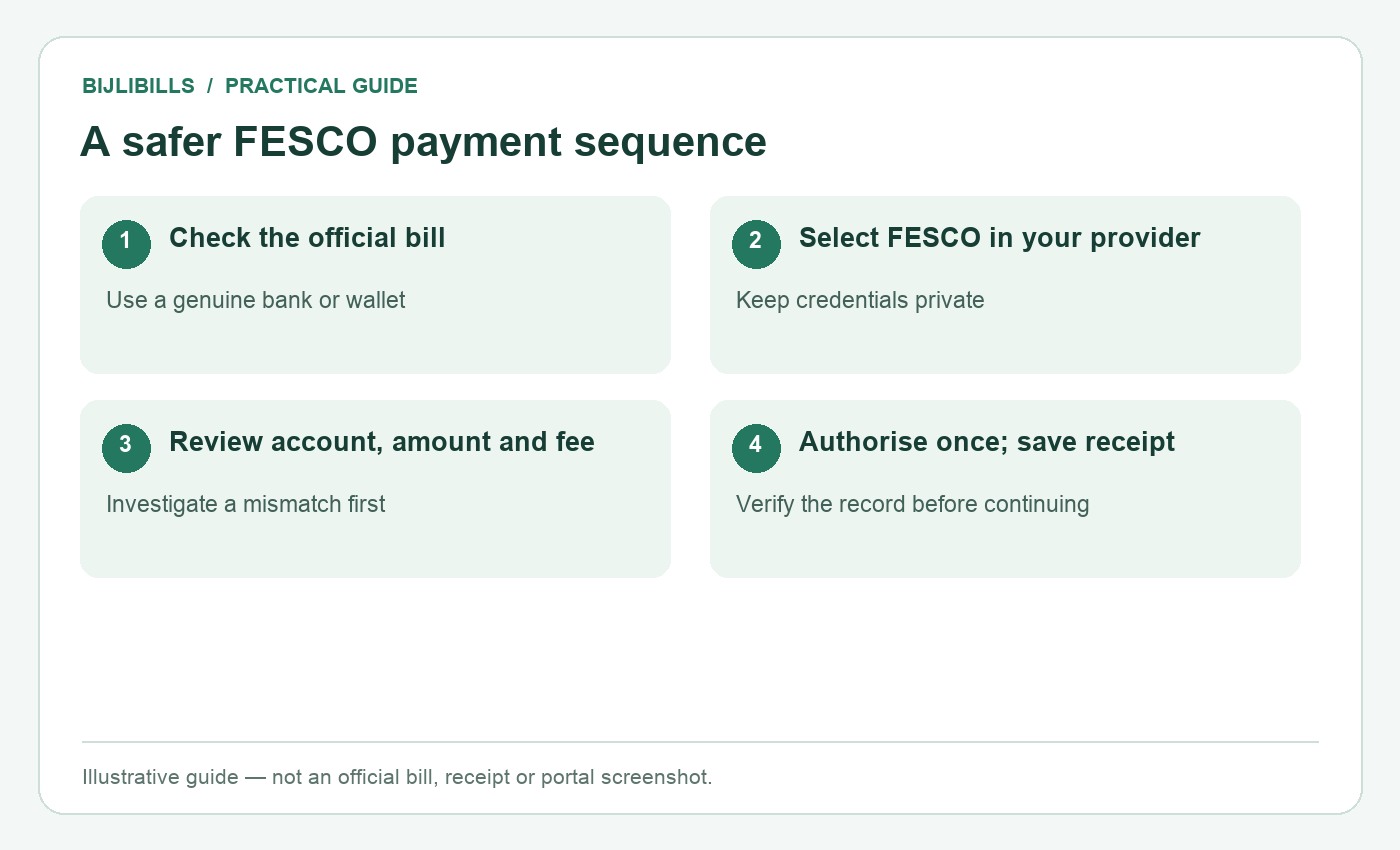
Illustrative workflow: a safer fesco payment sequence. This is not an official bill or portal screenshot.
Step by step: the payment SOP
- Retrieve and check the bill. Confirm FESCO, the service address, the account identifier, billing month, due date and payable amount.
- Open your trusted provider. Use its genuine bank or wallet app and choose its bill-payment function.
- Select the electricity category and FESCO. Do not select a similarly named biller or another distribution company.
- Enter the identifier requested by that provider. The public bill portal's Customer ID route does not prove every payment app accepts the same input.
- Read the fetched payment details. Compare the account information and amount with your bill. Investigate an unexplained mismatch before authorising.
- Review charges and available balance. Check the current displayed fee and any limits. Do not assume all payment channels are always free.
- Authorise one payment inside the provider's secure flow. Enter a PIN or OTP only where its genuine app or service requires it; do not send it to another person.
- Save the confirmation. Keep the status, transaction ID, amount, date, biller and account reference shown.
- Check the outcome if anything is unclear. Open transaction history or contact provider support rather than immediately submitting a second payment.
A successful screen is useful evidence, but retain the detailed receipt as well. It is easier to trace a specific transaction when the amount and reference are available together.
Paying through JazzCash
JazzCash's official bill-payment instructions describe selecting the bill-payment category and biller, entering the reference, confirming details and authenticating the transaction. Follow the labels in the current app because menu arrangements can change.
The official service information refers to applicable service charges. Review the amount shown at confirmation and the provider's current charges rather than relying on a general claim that wallet payments have no fee.
After payment, keep the provider's confirmation and transaction details. If the transaction appears pending or you receive a failure message, use JazzCash's own support route to establish its state. Do not infer a completed payment from a balance change alone.
The JazzCash electricity payment walkthrough provides additional preparation and record-keeping guidance without asking you to disclose account credentials.
Paying through Easypaisa
Easypaisa's official bill-payment page explains selecting the bill type and company and entering the requested reference or account details. Confirm the fetched record before approving the payment.
Incorrect input, insufficient funds and account limits are among the issues described in the provider's guidance. If an attempt fails, check its actual transaction status before deciding whether another attempt is appropriate. A second press is not a reliable troubleshooting method.
Review any fee shown for your account or payment route. A fee structure can depend on the provider's current conditions, so use the live confirmation information and official schedule rather than an old blog table.
Keep the receipt in the same private monthly folder as your bill. That makes a later question about the account, month or amount easier to answer.
Paying through a bank app or at a counter
Bank apps use their own biller lists, identifier requirements and authentication steps. Choose the electricity payment service and FESCO, then compare the fetched details before authorisation. Do not assume another bank's screenshot matches your own app.
FESCO's official FAQs describe payment through authorised bank branches and post offices. Confirm that the particular counter or service you intend to use accepts the payment, and collect its official receipt.
At an agent or counter, check the receipt before leaving. Ensure it relates to your reference and the expected amount. A handwritten note from an unknown individual is not a substitute for the payment channel's official transaction evidence.
If paying for several household connections, process and label them separately. A saved nickname such as “home” can become misleading after a move, so verify the actual account every time the saved record changes.
What to do when the amount does not match
A mismatch deserves investigation. Compare the billing month, account identifier, due date and whether you are looking at an old saved PDF. Check for a corrected bill or an amount that applies after the due date. Do not assume the smaller figure is always the correct one.
If the provider fetches another household's account, cancel the operation and recheck the number. If the correct account returns an amount you cannot reconcile, ask the provider or FESCO for clarification before authorising an uncertain payment.
For an approved installment or extension, follow the official revised instructions and document. Independently splitting an amount does not create an approved payment plan. Keep that issue separate from an ordinary full-bill payment.
If money is deducted but the bill looks unpaid
Record whether the transaction is successful, pending, failed or reversed according to the payment provider. Save the transaction ID and contact its support service if the status is unclear. Then ask FESCO to trace the account posting when appropriate.
There is no universal posting time verified for every FESCO payment channel in this guide. Avoid promises that every payment appears within a fixed number of hours. Follow the provider's specific instructions and retain any case reference.
Use the money deducted but bill unpaid guide to organise the evidence. Do not pay again merely because an old bill PDF still displays its original amount: the PDF does not update itself after payment.
A practical monthly payment record
Create a folder containing the official bill, provider receipt and any support correspondence. A short note can record who paid, which connection, the date and whether any follow-up is pending. Keep the actual source files; a spreadsheet entry alone is not a payment receipt.
Store sensitive details privately. You do not need to share your full bank statement when asking a family member whether the electricity bill was paid. A relevant receipt with unnecessary account information redacted is usually a clearer starting point.
Once the payment is resolved, update the household record so another person does not pay the same bill accidentally. Good coordination matters when a landlord, tenant and family member can all access the account details.
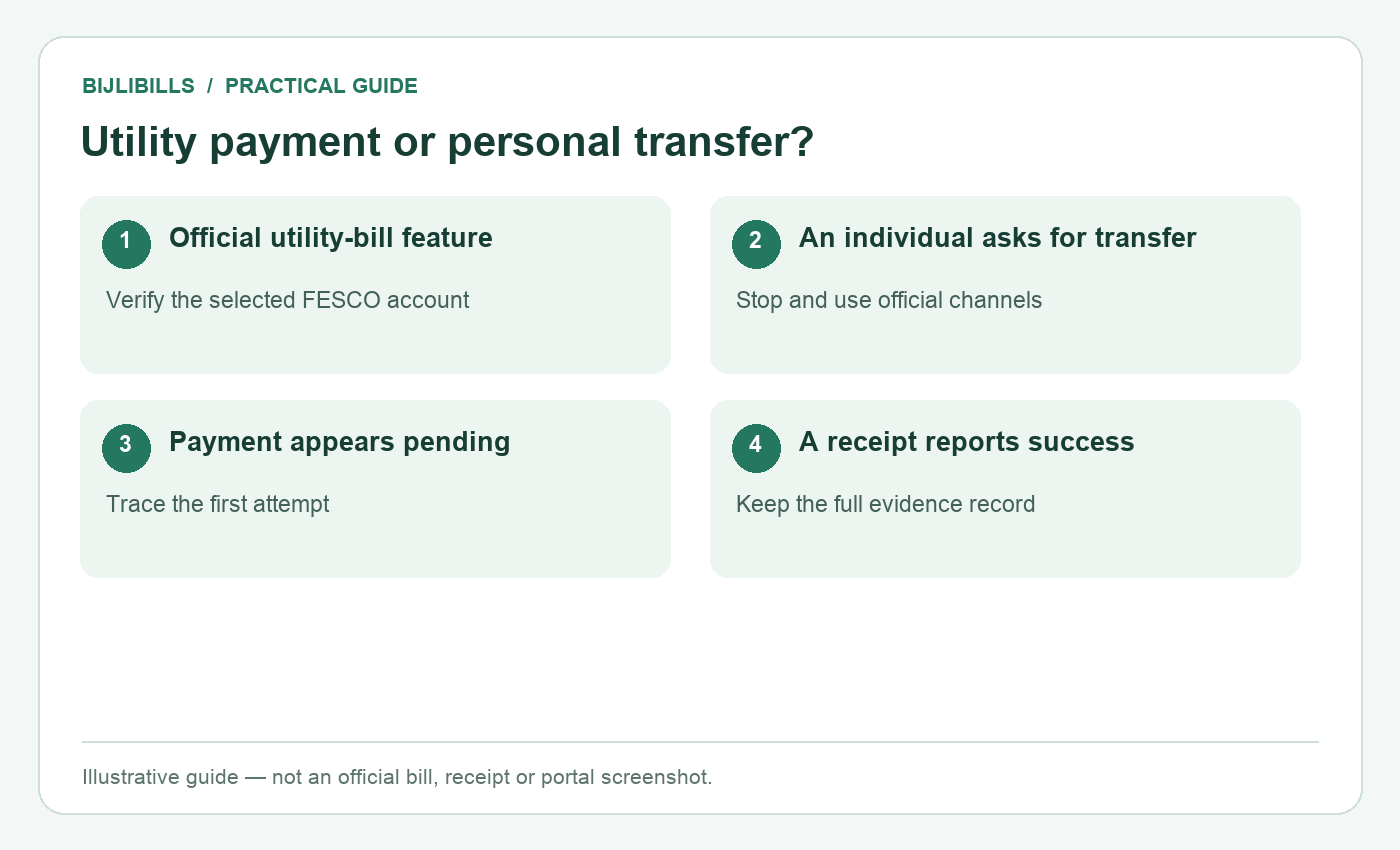
Illustrative workflow: utility payment or personal transfer?. This is not an official bill or portal screenshot.
Frequently asked questions
1. Can I pay directly to BijliBills?
No. BijliBills supplies guidance and official links. Use an authorised payment provider for the electricity bill.
2. Is checking a bill the same as paying it?
No. Viewing or saving the official document does not authorise or complete a payment.
3. Can I use Customer ID in every bank app?
Do not assume so. Follow the identifier requested by that provider's FESCO bill-payment service.
4. Are all wallet payments free?
Not necessarily. Review the current displayed fee and the provider's official charges for your account and route.
5. Should I trust a direct transfer request from a caller?
Use the official utility-bill channel. PITC warns against electricity-related transfers to individual accounts.
6. What if the app shows another address?
Cancel and verify the reference and biller. Do not pay a different account even if its amount looks familiar.
7. What should I save after paying?
Keep the receipt, status, transaction ID, amount, date, company and reference shown by the provider.
8. Does an SMS alone settle every payment dispute?
It can support the record, but retain the detailed transaction evidence and verify any disputed account posting.
9. What if I tapped Pay twice?
Check both transaction statuses and contact the provider. Do not assume one failed or delete the duplicate evidence.
10. Can I pay an old bill amount after the due date?
Check the current applicable amount and provider instructions. Do not assume the earlier within-due-date figure still applies.
11. Does a pending transaction mean I should retry immediately?
No. Establish the first attempt's status through the provider before risking a second payment.
12. Can a family member pay for my connection?
They should use the correct account details through an authorised channel and share the relevant receipt privately. Coordinate to avoid duplicates.
13. Must I give a shopkeeper my wallet PIN?
No. Do not disclose your PIN or OTP to another person. Authenticate only within your genuine provider's secure process.
14. Will my downloaded PDF change after payment?
No. A saved file remains as it was. Check payment evidence and official account information separately.
15. Can this guide guarantee immediate posting?
No. Posting and dispute handling depend on the provider and utility records. Keep evidence and follow their specific instructions.
Finish with proof, not just a button press
A careful FESCO payment starts with the right account and ends with a clear receipt. Verify the biller, identifier, amount and charges, authorise once, then preserve the transaction record. If anything is uncertain, trace that transaction before making another payment.