 Skip to content
An electricity bill not found message needs a careful check before another attempt. You enter the number from your FESCO Bill and receive an error, an empty result or the previous month's document. It is tempting to keep changing digits or assume the bill has disappeared. Start with a simpler check: confirm the company, the selected identifier type and the number on the original record. Then separate an input problem from a portal problem or a billing-month question.
The official FESCO bill portal provides separate Reference No and Customer ID options. A failed lookup is not, by itself, proof that a payment failed, a connection was disconnected or no amount is due. This guide shows what to record and what to try next without relying on invented wait times.
This checklist can also help with another Pakistani electricity company’s bill, provided you start on that company’s correct portal. FESCO supplies the examples below. Check the live form’s accepted identifiers and error message before deciding that a missing result means the connection has a billing problem.
Electricity bill not found: identify the failure first
“Bill not found” is often used to describe several different experiences. Write down the actual message instead of treating them as one issue. A page that cannot load is different from a page that loads and rejects a number.
| What you see | What to investigate first | What it does not establish |
|---|---|---|
| Form rejects the entry immediately | Selected field and input format | Whether the electricity account exists |
| Official result says the details are invalid | Company, identifier and copied digits | That the bill has been paid |
| Blank or unavailable website | Connection, browser and official service availability | That the consumer account was removed |
| A different household's bill | Wrong account details | That the search succeeded for your connection |
| Last month's bill | Billing month and issuance status | That the new bill has the same due date |
The distinction tells you whether to correct your input, retry a technical step or ask FESCO a billing question.
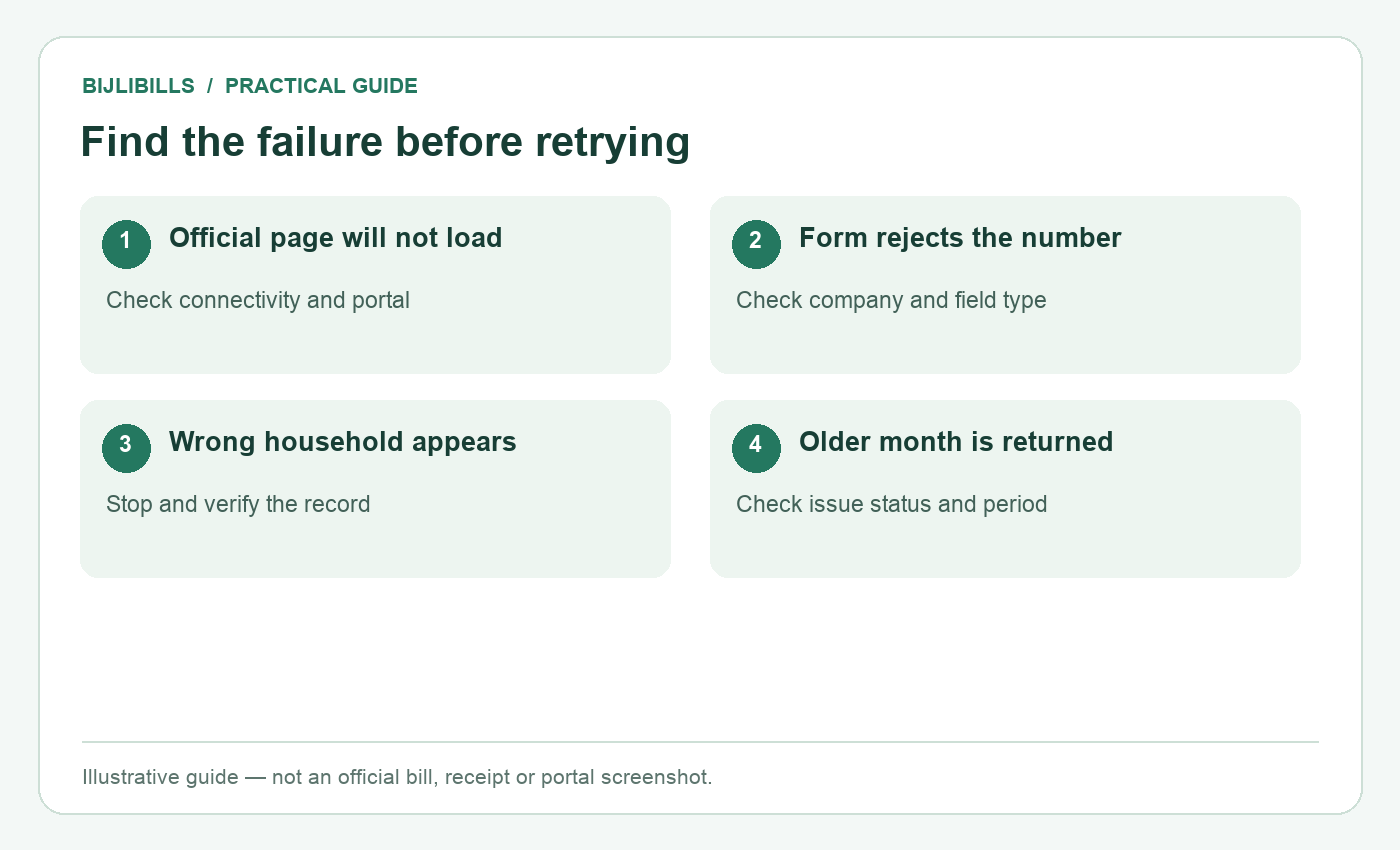
Illustrative workflow: find the failure before retrying. This is not an official bill or portal screenshot.
Step by step: troubleshoot a missing FESCO Bill
- Return to a trusted starting point. Open FESCO from the BijliBills homepage or use the official PITC address above. Check the domain rather than a copied logo.
- Confirm the provider. Read the company name on a genuine previous bill. A nearby district or a similar website name is not enough.
- Choose the correct input route. Select Reference No for the reference number or Customer ID for that separately labelled value.
- Copy the identifier again. Use the original record, preserve leading zeros and check each digit. Clear any pasted spaces or line breaks where the form expects digits.
- Match additional controls. If the reference route displays a U/R selection, use the choice from the genuine record and follow the live instructions.
- Submit once and read the result. Note the exact message, the time and whether the page itself loaded normally.
- Try a limited technical comparison if needed. Reopen the official page in another browser or on another connection you trust. Do not enter sensitive payment credentials into a troubleshooting site.
- Escalate a persistent verified mismatch. Contact the relevant FESCO office or official complaint service with the identifiers and evidence, rather than continuing random attempts.
This process is deliberately ordered. Testing several browsers before discovering that the number belongs to another company wastes time and makes the situation harder to describe.
Check reference number and Customer ID mistakes
The reference number and Customer ID are different inputs. A meter serial, bank transaction ID or new-connection tracking number is not automatically accepted by either route. Use the identifier comparison guide if the bill contains several possible numbers.
A camera's text-recognition feature may copy a nearby label, miss a digit or confuse similar characters. Compare the pasted value with the image rather than assuming optical recognition is exact. A spreadsheet can also remove a leading zero when the field is stored as a number.
Do not repair an incomplete reference by borrowing the beginning of a neighbour's number. Even if the system returns a document, it may belong to another connection. Stop whenever the address or account details do not match your premises.
If you no longer have either identifier, use the FESCO missing-reference guide. Recovery from your records and official assistance are safer than trial-and-error lookup.
When the current month is not displayed
Check the bill's own month, issue date and due date. The date you open the website does not determine the billing month of the document returned. A saved browser tab or old PDF can add confusion, so retrieve the bill again from the official starting page.
FESCO publishes billing schedules through its customer services page. Use the schedule applicable to your account and period, or ask the relevant office whether your bill has been issued. A neighbour receiving a bill earlier does not establish your own issuance date.
For a new connection, keep the application details and ask whether a billing account and first bill are available. Do not assume the application tracking ID becomes the reference number. Record any assigned identifiers exactly when FESCO provides them.
If the due date is approaching and the current document remains unavailable, contact FESCO about the account. Do not rely on an arbitrary promise that every bill appears after a fixed number of hours.
When the portal itself will not open
Check whether other ordinary websites load on the same device. If none do, your internet connection may be the immediate problem. If only the official bill page fails, record the browser error and try a limited comparison with another trusted network or browser.
Avoid disabling important security protections merely to make a third-party checker load. Instead, use the official FESCO/PITC destination directly. A certificate warning or a request for unexpected financial credentials should prompt a closer check of the address.
If a new tab is supposed to open, look for the browser's blocked-popup indicator and confirm that the attempted destination is official before allowing it. Some guides open the result in another tab, so the original page may appear unchanged even though a new tab exists.
A repeated service failure may require waiting for restoration, but this guide cannot verify a universal outage duration. Keep the account details and contact FESCO if the timing affects your ability to resolve a bill or payment issue.
Build a useful support record
Prepare a short note containing the provider, correct reference or Customer ID, billing month sought, error wording and when you tried. Add a screenshot of the error if helpful, but crop unrelated browser tabs and redact unnecessary personal information.
For a billing-record issue, the PITC complaint service lists its official channels, including 118. Use the category matching the problem and retain any acknowledgement or ticket. The CCMS tracking guide explains how to organise follow-up evidence.
A useful request is specific: “The FESCO portal loads, but the reference from my attached bill returns this error; please confirm the correct billing identifier.” That gives support more to investigate than “the website is broken.”
BijliBills cannot create a missing official bill, change a meter record or remove an amount owed. It helps you reach the correct service and prepare a clearer request.
Mistakes that make troubleshooting harder
Do not interpret a blank page as proof of zero balance. Do not pay a different account just because its bill opens. Do not upload a complete identity document to an unrelated checker that claims to fix references instantly.
Keep an existing payment dispute separate from the lookup failure. If money was deducted, preserve the payment receipt and transaction ID. Repeatedly trying the bill form does not investigate that transaction and may lead to an unnecessary second payment.
Finally, avoid deleting every old record while clearing browser data. A previous PDF or genuine receipt may contain exactly the identifier needed to resolve the problem. Save useful documents privately before taking broad cleanup steps.
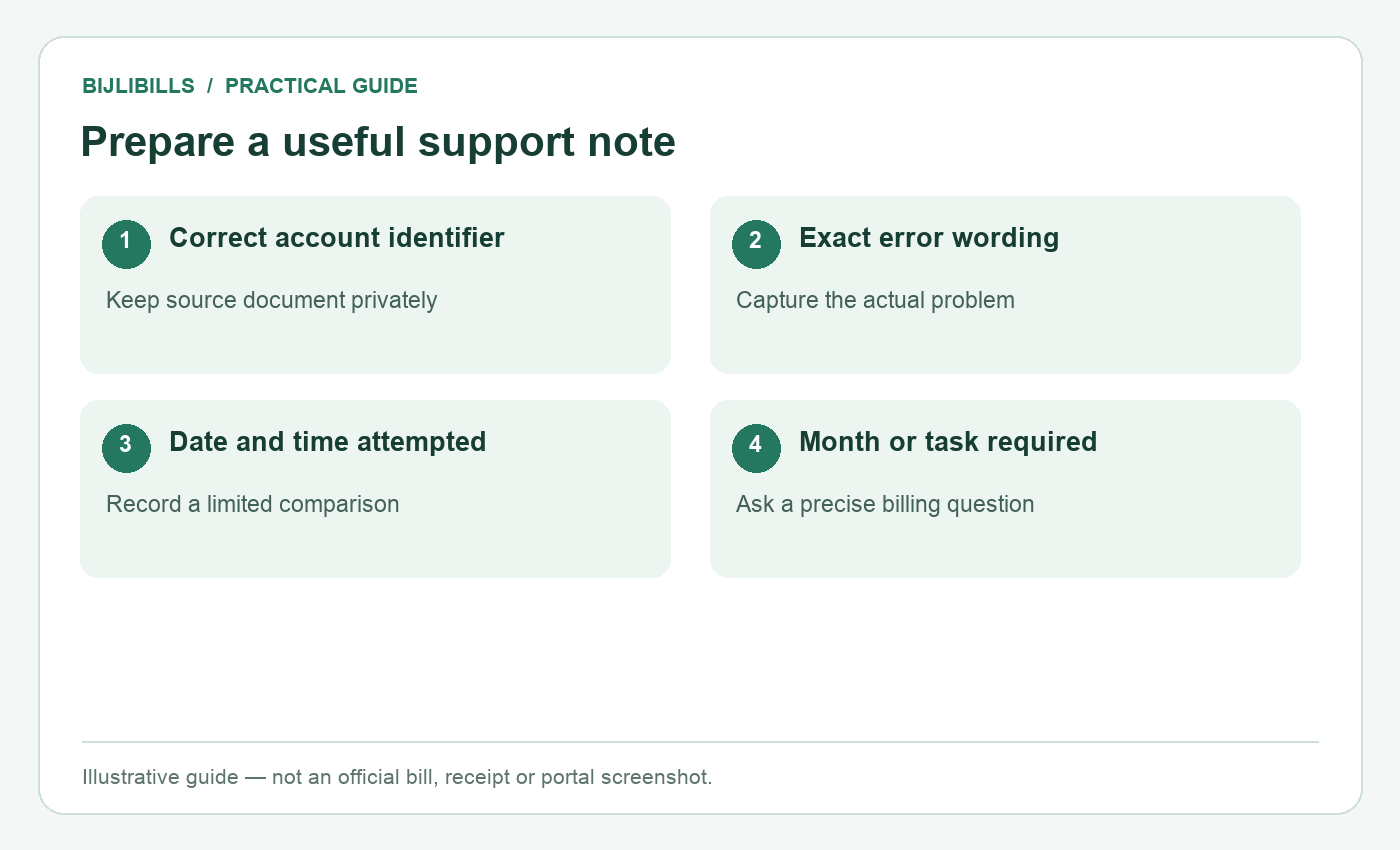
Illustrative workflow: prepare a useful support note. This is not an official bill or portal screenshot.
Frequently asked questions
1. Does “not found” mean I owe nothing?
No. It describes a lookup failure, not a verified account balance. Check the identifier and ask FESCO about unresolved billing details.
2. Should I keep adding or removing digits?
No. Compare the entry with a genuine document and use the correct field. Random changes can return another customer's record.
3. Can the wrong distribution company cause failure?
Yes. Confirm FESCO from your bill rather than choosing a company only by city or a remembered website name.
4. What if Customer ID works but Reference No does not?
Verify the returned account, then compare the reference printed on that genuine bill with your saved record. Ask FESCO about any discrepancy.
5. Why do I see an old month?
You may be viewing an old document or a bill for a period already issued. Check the official account's current issuance status.
6. Does a browser refresh change the bill amount?
It may retrieve a newer version if one exists, but refreshing does not request an official correction or alter the account itself.
7. Is a new-connection tracking ID a bill number?
Not necessarily. Ask for the assigned billing identifier when the account is created rather than substituting the application number.
8. Can a popup blocker hide the result?
It can prevent a result tab from opening. Check the browser indicator and official destination before allowing that specific action.
9. Should I send a full screenshot to a public group?
Prefer official private support. A screenshot can reveal your address, account identifiers and unrelated tabs.
10. Must I install an app to solve the error?
The public PITC lookup works through a browser. Do not install an unverified app just because a third-party page recommends it.
11. What should I record during an outage?
Keep the official URL, error message, date and time, plus whether other sites work on the same connection.
12. Can the meter serial help an official office?
It may help identify the equipment when requested. It is still different from the identifier required by the public lookup form.
13. Does a complaint automatically extend the due date?
Do not assume that. Ask the relevant authority for applicable instructions and retain its response.
14. What if the recovered number shows another property?
Stop. Recheck the original record and connection identity before saving or paying that bill.
15. Can BijliBills make the official portal show my bill?
No. The official account and bill are managed by FESCO/PITC. BijliBills can guide the checks and official handoff.
Resolve the right problem
Begin with the company and labelled identifier, then check the billing month and whether the portal itself works. If those checks do not resolve the failure, a precise support record is more useful than repeated guesses. Keep your genuine documents and use official channels for account corrections.