 Skip to content
HAZECO has its own Web Bill form on PITC. If your electricity bill identifies HAZECO, open that form and use the printed reference number or Customer ID. Check the company name and billing month on the result, especially if an older saved link used a different provider.
Open official HAZECO bill service
PITC پر HAZECO کا الگ Web Bill فارم ہے۔ بل پر HAZECO ہو تو اسی فارم میں درج ریفرنس نمبر یا کسٹمر آئی ڈی استعمال کریں۔ نتیجے میں کمپنی اور مہینہ ملائیں، خصوصاً جب پرانا لنک کسی اور کمپنی کا ہو۔
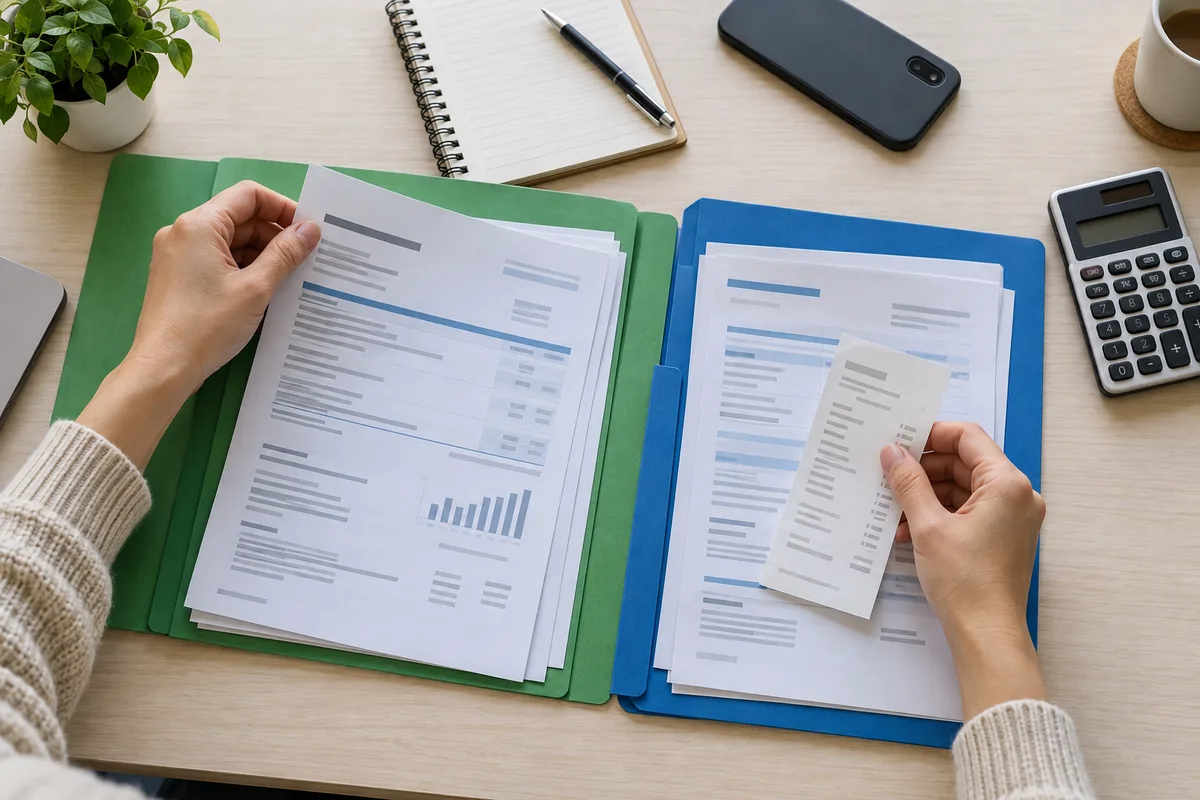
How to check and download your HAZECO bill
- Open HAZECO Web Bill on PITC. Check the company name at the top before entering your details.
- Choose Reference No for the 14-digit reference number, or Customer ID for the separately labelled identifier on your bill. Do not paste one into the other mode.
- Enter every digit, including leading zeroes. If the form shows a U/R selector, match the suffix printed on your bill rather than appending a letter to the numeric field.
- Select Search, then check the customer details, meter number and billing month. A loading message or failed lookup is not a bill.
- Use the bill’s print control or your browser’s Print option. Choose Save as PDF where available, then reopen the saved file and inspect it.
Replace an old company bookmark, not your account evidence
If your current Hazara-region bill now says HAZECO, store that company label with the reference number. Keep the earlier bills too. They may help explain a previous balance, payment or meter reading, even when your current lookup starts on a differently branded page.
Do not infer an account transfer date or a new identifier from a general online article. Copy the details from the actual bill or confirm them through the provider. The presence of a HAZECO form verifies the lookup route; it does not confirm the status of any individual connection.
If the bill is not found
First recheck the company and number type. Compare the digits with a clear earlier HAZECO bill; avoid copying spaces or punctuation from a message. A meter serial number, connection-application tracking number and billing identifier are not interchangeable.
If the correct details still fail, retry later or use the linked official support service. The current month may not be available yet, but this guide cannot diagnose the status of your account from a failed search. Do not assume there is nothing to pay, and do not enter invented digits until a stranger’s bill appears.
Build a continuous record across company labels
Use the billing month as a file label, then add the company and connection name. Keep an old and new bill side by side when checking a carried-forward balance. Confirm that you are still comparing the same property and meter, rather than assuming similar consumer names mean the accounts match.
If the newest month is missing, save the last available copy and ask the provider which identifier should now be used. Avoid recording a guessed amount as a new issued bill. A note saying “not yet available” is more reliable than copying last month’s charges into a new month.
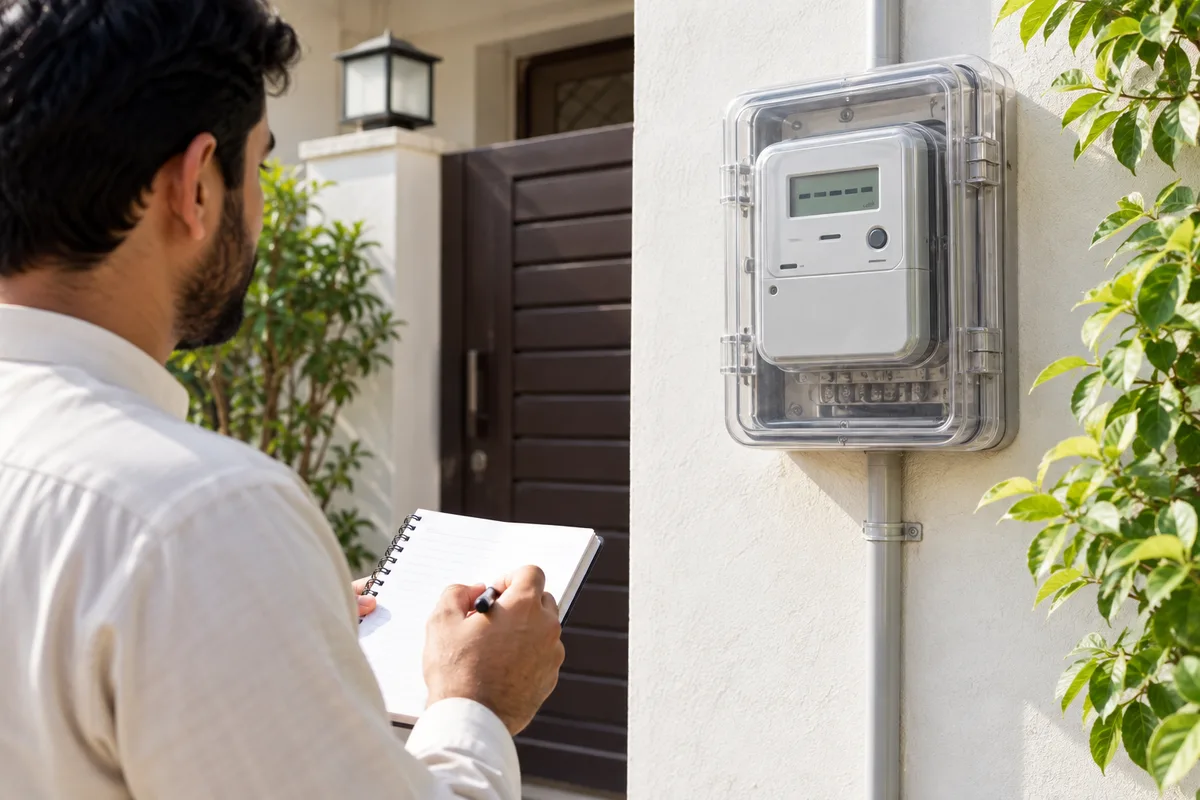
Save a bill history you can actually rely on
Keep one issued document per connection and billing month. Record units, reading date, due date, amount within the due date, arrears, adjustments and each tax or charge as separate fields where shown. Save the payment receipt after paying; it answers a different question from the bill.
A current bill may contain a summary of earlier consumption, but that is not necessarily a downloadable copy of every older bill. Start keeping complete monthly copies now. Mark manual entries as manual, and check them against the document before treating them as the account record.
Report a specific problem, with the right evidence
Use the official PITC CCMS complaint page for the complaint services it offers, or contact HAZECO through the details on your current bill. Keep the reference number, affected month and supporting bill or receipt ready. A note in a third-party app does not submit a complaint.
Save the complaint reference and follow-up dates. If the issue concerns money debited by a bank or wallet, contact that payment service as well and quote the transaction ID. A complaint acknowledgement does not itself extend the printed due date or confirm that a charge has been removed.
Common questions
Does an old PESCO reference automatically work on HAZECO?
Do not assume it does or does not. Use the identifier on the current HAZECO bill or obtain confirmation from the company. This guide has not tested a private customer’s account migration.
Is this the official HAZECO website?
No. BijliBills is an independent guide. The bill is issued by HAZECO; use the official source links for account lookup, complaints and account-specific decisions.
Can I print the HAZECO duplicate bill?
After opening the complete issued bill, use its print option or your browser’s Print menu. Check the preview for missing pages and readable identifiers. A clipped screenshot may not show the complete document.
Can I download every previous month?
Do not assume the public lookup has a full archive. Save each month when available and ask the provider about older account records you cannot retrieve.
Does a saved bill prove payment?
No. Keep the bank, wallet or collection receipt and verify the account posting if needed. Marking a bill paid in a personal tracker is not confirmation from the provider.
Should I use the reading date or due date for payment?
Use the due date on the issued bill. A next-reading reminder helps you look for the following bill; it does not predict or replace the payment deadline.