
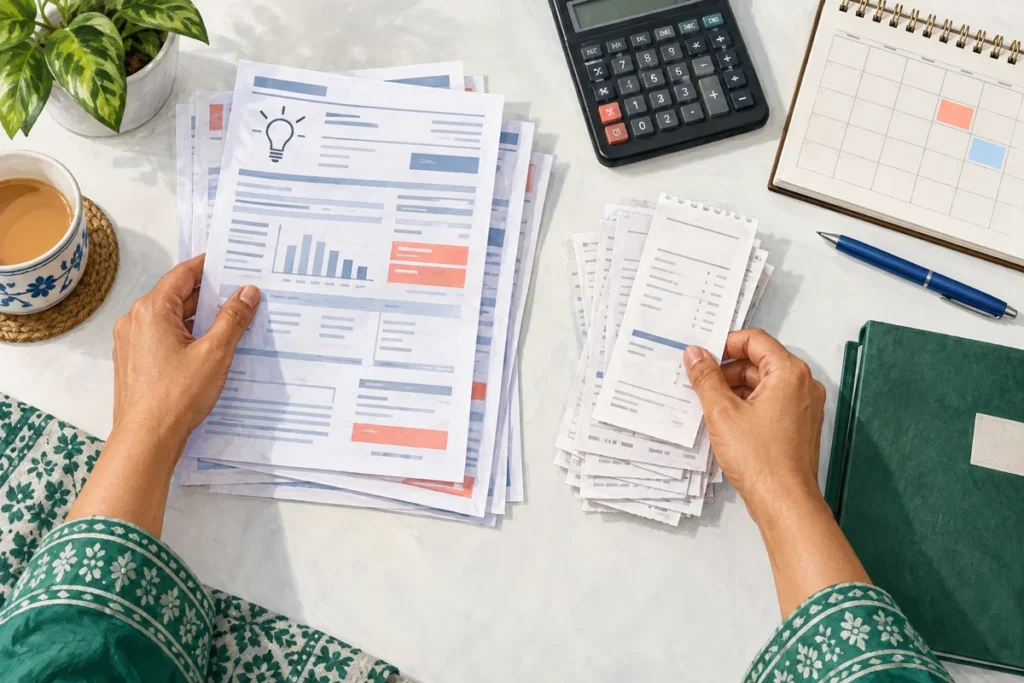
IESCO Bill Arrears After Payment: Check the Record
Investigate IESCO bill arrears after payment by matching the receipt, connection and billing month. Prepare a clear request for account correction.
Practical guides to checking, understanding and managing electricity bills in Pakistan.
Investigate IESCO bill arrears after payment by matching the receipt, connection and billing month. Prepare a clear request for account correction.

Use the IESCO Smart app through official links, understand the e-OPS change and keep application records safe if an app or old ENC bookmark fails.

Make a GEPCO complaint online with the correct connection details. Separate bill, payment and supply problems, then keep the case number and response.

Prepare a GEPCO new connection application with consistent property details, a sensible load estimate and a clear record of documents and payments.
MEPCO demand notice check online: match the notice to your application, review payment instructions and retain proof before following up on installation.

Find the MEPCO load shedding schedule for the correct feeder, distinguish planned work from a fault and avoid relying on an outdated timetable.
Request LESCO bill installments with a clear payment plan. Learn what to confirm about approval, due dates, charges and the revised payment document.

Prepare a LESCO complaint online with the right bill month, reading evidence and requested correction. Keep the complaint number for follow-up.
Use FESCO new connection tracking to check an application, identify the next step and review a demand notice. Follow the official route and record checks.
Start FESCO SMS registration through official eServices. Check contact details, separate occupant updates from ownership, and troubleshoot missing bill alerts.